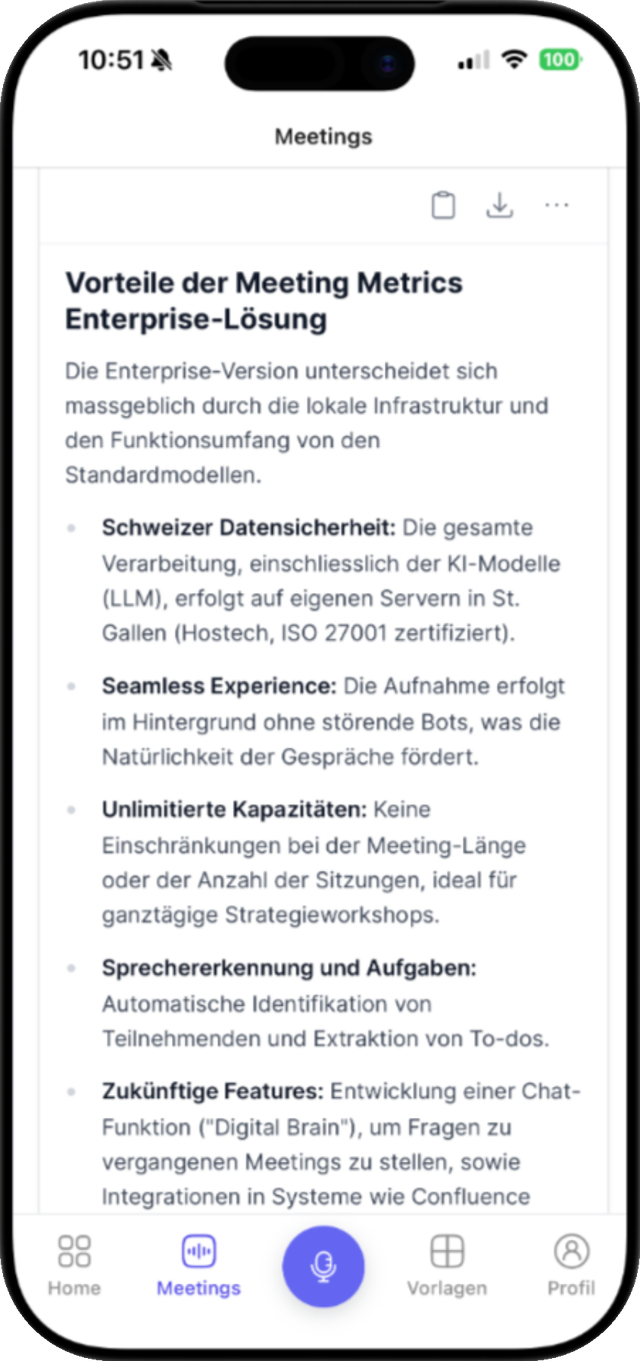
macOS 10.15 or newer
Mac
For long meetings right at your computer – with menu bar and global shortcuts.

Desktop · Mobile · Web
Meeting Metrics is available for Mac, Windows, iPhone, and Android – and it runs in the browser anyway. No matter where you record: transcript, minutes, and tasks land in the same account.
Downloads
All apps use the same account. Recordings land automatically in the dashboard, where they become transcript, minutes, and tasks.
macOS 10.15 or newer
For long meetings right at your computer – with menu bar and global shortcuts.
Windows 10 (64-bit) or newer
Install, sign in, record – including notifications and auto-updates.
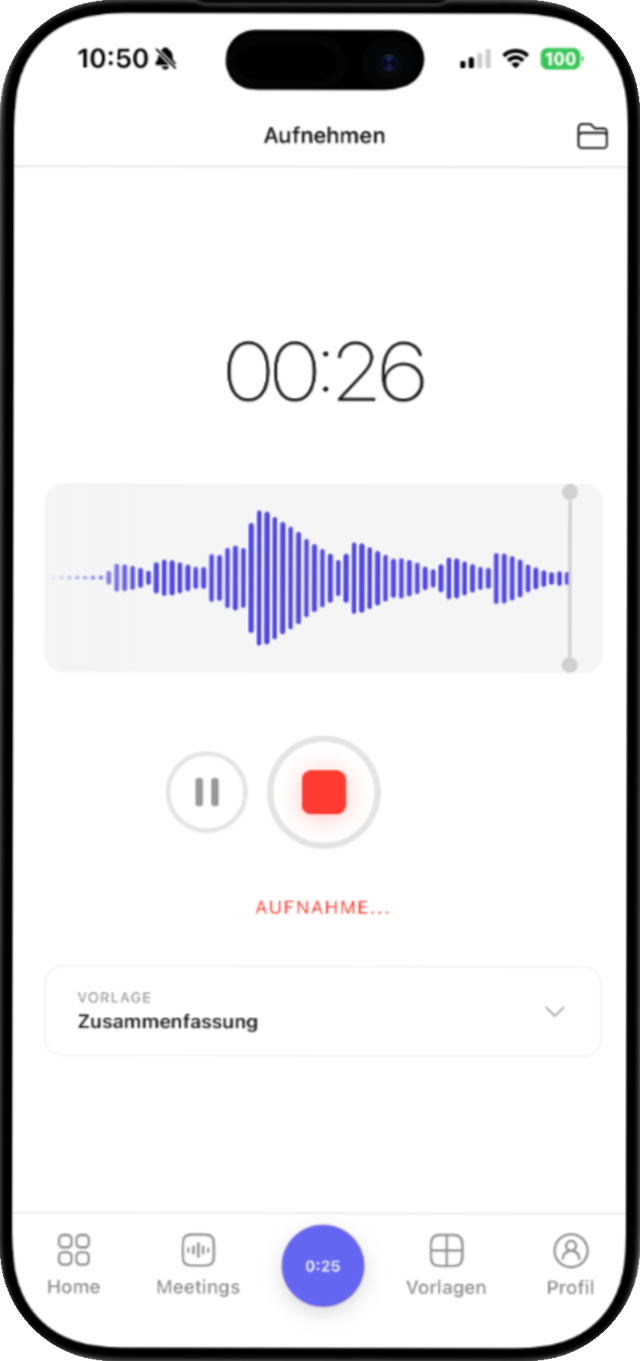
iPhone & iPad
For on-site appointments: record, pause, upload – even without a connection in the meeting room.
Google Play
The dictaphone that delivers minutes – on any Android device.

Nothing to install? The browser is enough: upload, review, export, and share – from any device.
You'll find all versions and changes in the release notes on GitHub.
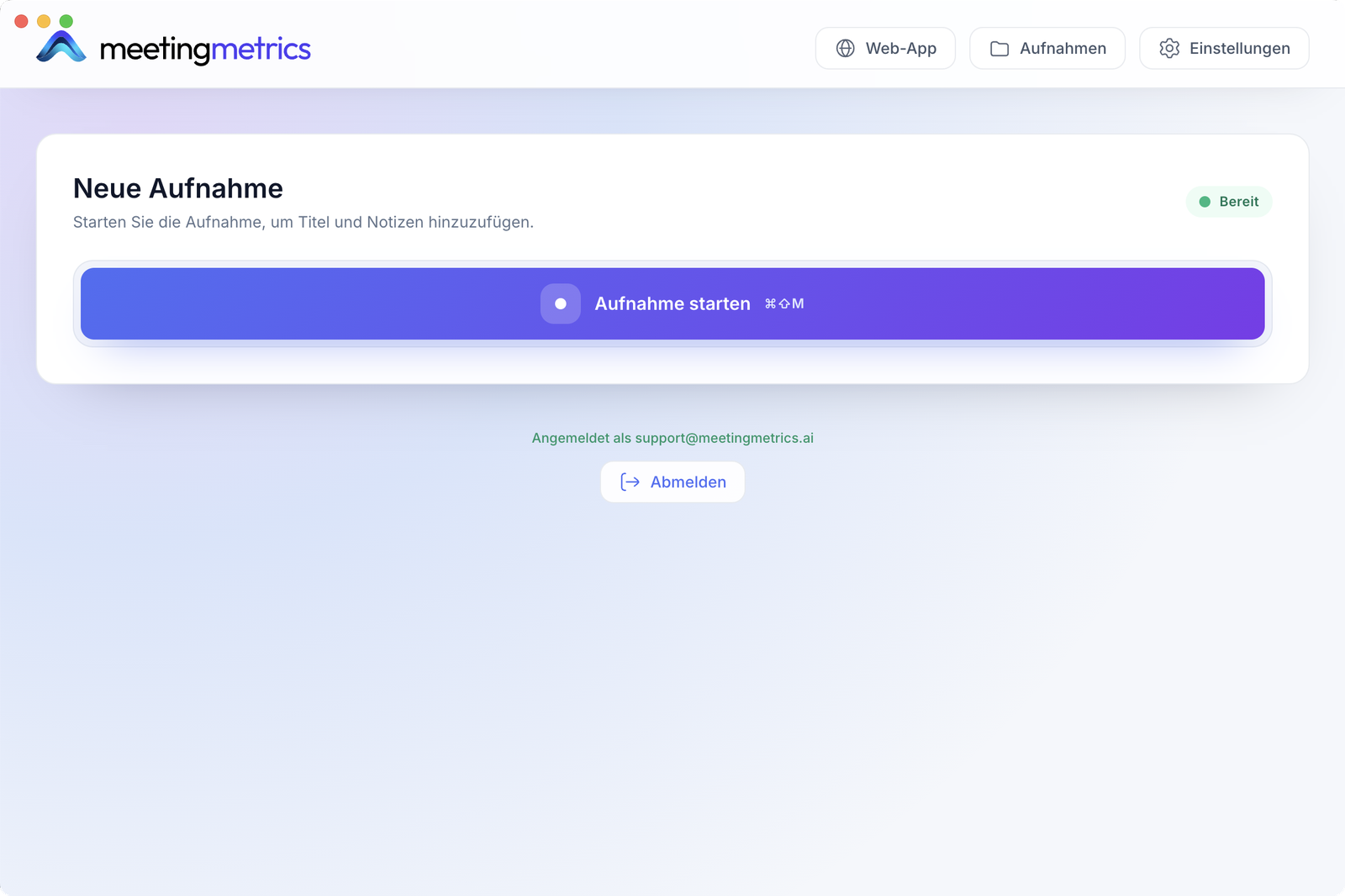
Desktop app
The desktop app records locally – in full quality, without the browser's limits. It stays in the menu bar until you need it.
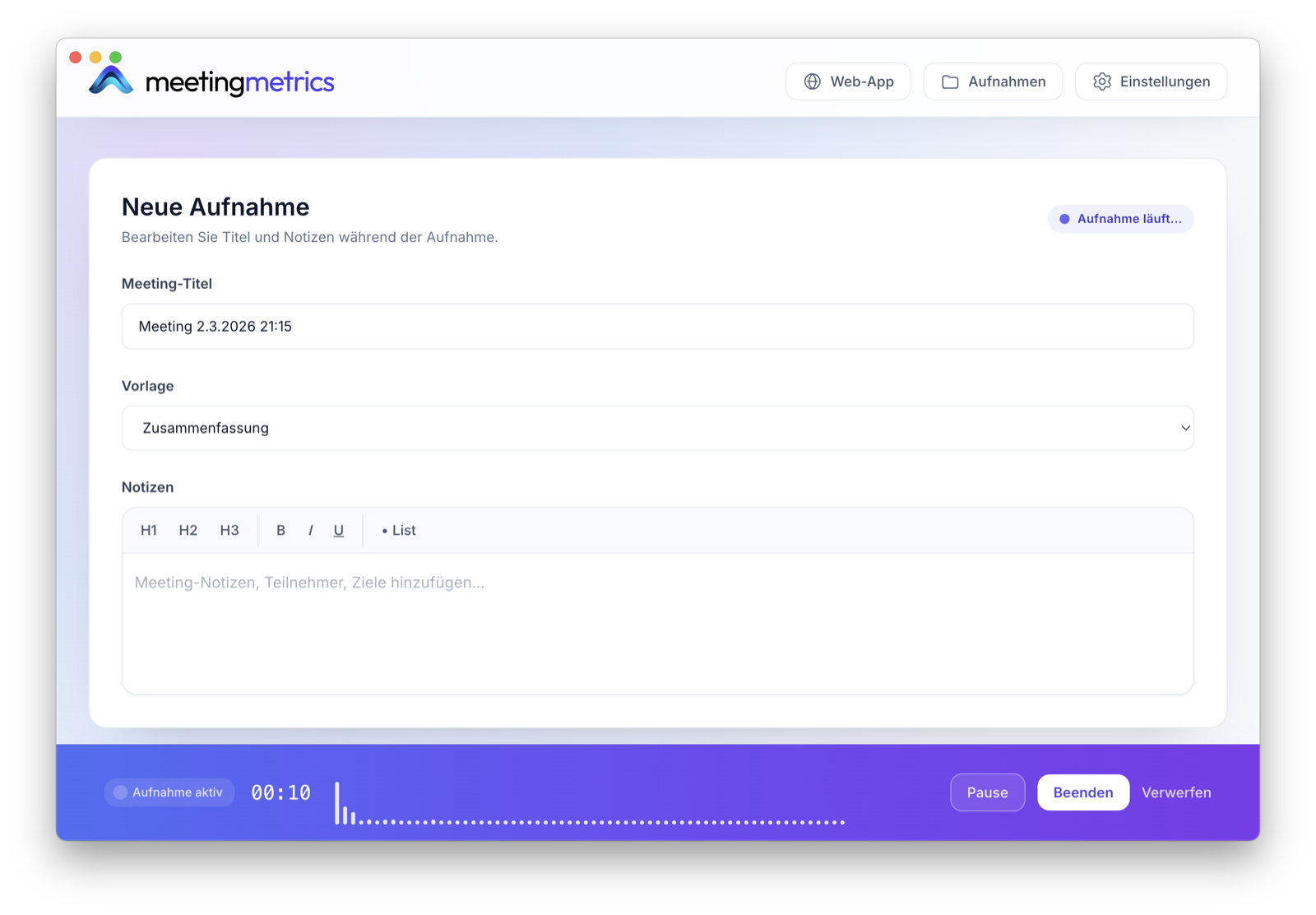
Mobile apps
Site visit, home visit, on-site meeting: your smartphone is already with you – and replaces the dictaphone and notepad too.
Next step
Create your account in the browser, install the app on your device – and try the flow with a real recording.
Try it yourself
Start free with 5 transcriptions – no credit card required.
Try for freeFrom CHF 29 per user/month with annual billing · cancel monthly from CHF 59
No credit card required
Book a demo
Tell us briefly how you record meetings. We'll recommend the simplest way to get started.
Get in touchAnswers straight from the team