For conferences, congresses & workshops

The session is over. The summary is ready.

Meeting Metrics transcribes every session individually and fills your template — key statements, quotes with names, questions from the audience, open commitments. Processed in Switzerland.

No credit card needed · 5 free transcriptions · from CHF 29 per user/month

Swiss processing No training data Local LLM option in the Enterprise plan

Template · Session summary

Panel “Finding skilled staff” · 14:30 – 15:15

Draft

Session & participants

Panel discussion with three guests, moderated. Topic: recruitment in the trades, followed by 12 minutes of questions from the room.

Key statements

Agreement that apprenticeship marketing starts too late. Disagreement on pay: two guests see the lever in working hours, one in the starting salary.

Quotes

  • “We are looking for people we should have trained three years ago.” — Guest 1
  • “Pay gets them in, the shift gets them back out.” — Guest 2

Questions from the audience

  • How do you reach career changers without industry experience?
  • Who bears the cost of requalification?

Every statement links back to its place in the transcript. Review & sign off

Illustrative template. You define the structure.

Already in use at more than 1,500 organizations.

The difference

The same programme. Two completely different weeks afterwards.

The content everyone travelled for is either worked up — or it stays sitting in the recording.

Before

The final applause. And a folder full of recordings.

Notes per session by hand

Quotes for the post-event report from memory

Commitments from the stage in other people's notebooks

Result

Follow-up work

The post-event report only appears once interest in the event has already faded.

With Meeting Metrics

The final applause. And a summary for every session.

Every session its own result

Quotes assigned to the speakers

Commitments captured with names

After the session

Review instead of writing it up again
Sharing stays with you

How it works

Four steps that run alongside the programme.

Nobody has to operate anything during the session — the only effort is proofreading afterwards.

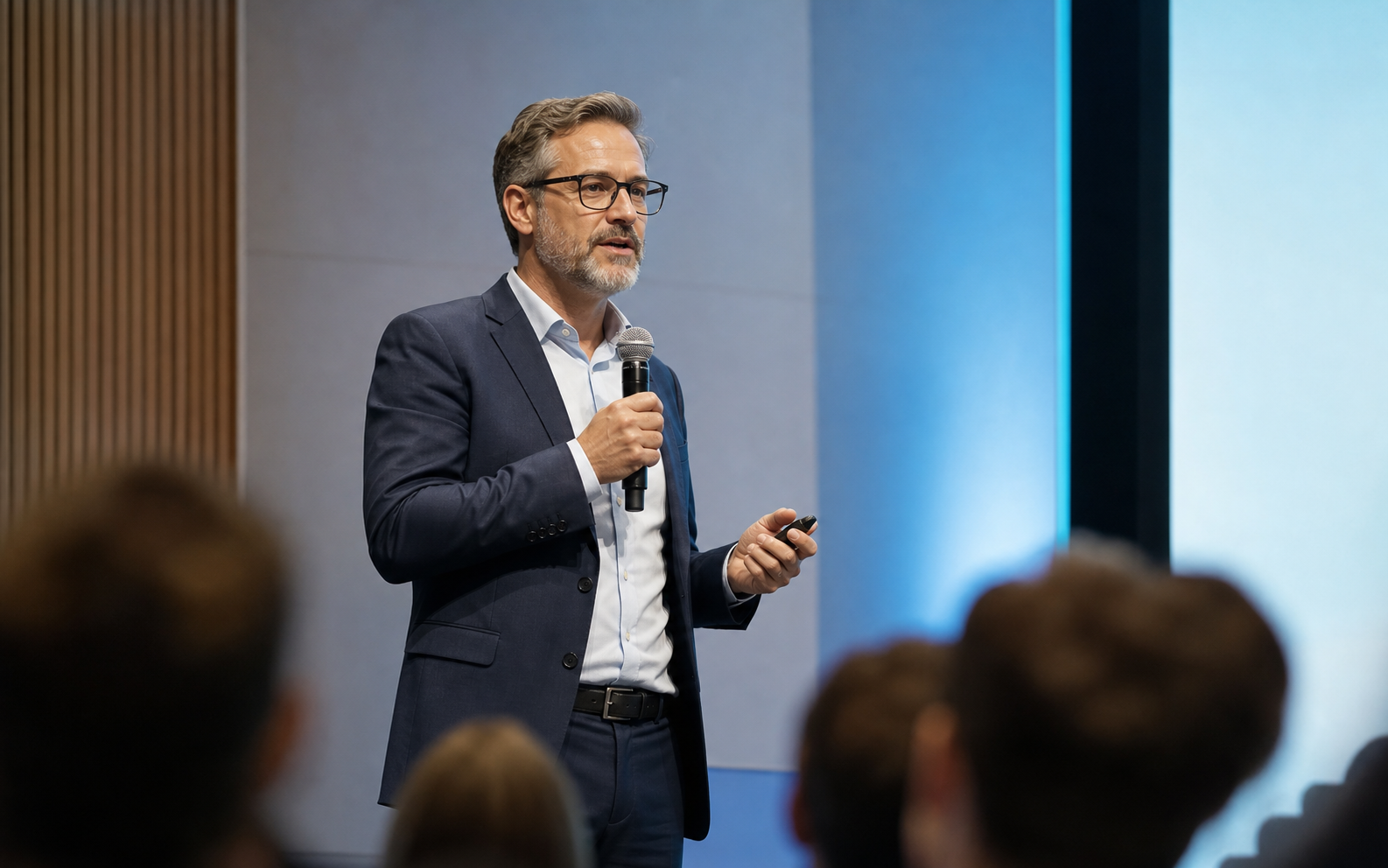
Talk in front of an audience at a professional event
One session, one recording — from the laptop, from the phone or from the venue's recording.
  1. 01

    Start the recording — or upload the venue recording

    Three ways: record with the desktop app on your laptop, record with the mobile app in the room, or upload an existing file — for example the recording from the mixing desk, from the streaming control room or from your webinar platform. There is deliberately no bot that dials in by itself. Announce the recording in the programme and at the start of the session, and agree it with the speakers in advance.

  2. 02

    One recording per session

    A congress day is not a single file. You upload one recording per talk, panel or workshop — and get a clean result for every session instead of an eight-hour overall transcript that nobody reads.

  3. 03

    Your template fills in

    Key statements, quotes, audience questions, open commitments — in the structure you define once. After that, every session of the same programme follows the same format, even when ten people upload.

  4. 04

    Check, sign off, distribute

    Every statement can be looked up in the transcript. The summary then goes to Confluence, SharePoint/OneDrive or Slack — tasks to Jira, Teamwork or Microsoft To Do. For everything else: PDF and Word.

Your everyday work

These are the conversations that land on your desk.

From the conference down to the single session.

Congress & event teams

  • Congress
  • Specialist conference
  • Workshop
  • Training
  • Webinar
  • Keynote
  • Press conference
  • Panel discussion
  • Breakout session
  • General assembly

Outcomes

The content keeps working when the room is empty.

Three things that change in the week after the event.

Pace

The post-event report does not start from zero.

While the next session is running, the previous one is already available as a draft. You proofread instead of reconstructing.

Content

One session becomes material for weeks.

Key statements and verbatim quotes are ready for the post-event report, newsletter or article — in the format you defined once as a template.

Accountability

Commitments from the stage stay findable.

Who committed to what by when is in the summary with names — backed by the passage in the transcript.

Trust in the room

Four questions that come up before the first recording.

At an event there are people in the room who are neither your team nor your customers — and the speakers own their own talk.

For organisers with the strictest requirements, the Enterprise plan also runs the AI processing on our own Swiss servers.

01

Consent & announcement

Point out the recording in the programme, on the badge and at the start of the session, and agree it with the speakers in advance. The recording never starts by itself. The legal assessment stays with the organiser — we supply the tool.

02

Who said what

Speaker identification separates the voices on the panel and is available from the Pro plan. You assign the real names once after the session — after that every quote sits with the right person.

03

Languages on stage

57 languages including Swiss German. Sessions in which dialect, standard German, French and English are mixed are processed too. You choose the language of the summary yourself.

04

Switzerland & access

Hosting and storage exclusively in Switzerland, compliant with the revised Swiss FADP and the GDPR, including a data processing agreement. You control who sees which session through roles and folders. No training data.

FAQ

What organisers ask before they start.

Missing a question? Write to us directly.

In three ways: you record with the desktop app on your laptop, with the mobile app right in the room, or you upload an existing file. The last way is the usual one at larger events: the recording from the mixing desk, streaming control room or webinar platform is simply uploaded. There is no connection to venue technology, and there is no bot that dials into Zoom, Teams or Meet.
Announce it where everyone sees it: in the programme, on the registration confirmation, on the badge and with one sentence at the start of the session — for example “This session is being recorded for documentation purposes.” You agree the recording with the speakers in advance, because the talk belongs to them. For questions from the audience, it has proven useful to leave out names in the post-event report. The legal assessment of your event stays with the organiser — we supply the tool, not the assessment.
No — and that is intentional. You upload one recording per talk, panel or workshop. That way you get a separate summary for every session that can actually be reused, instead of an eight-hour overall transcript. Several sessions run through in parallel in the background; you do not have to monitor the processing.
You push tasks and commitments straight to Jira, Teamwork or Microsoft To Do. The summary itself goes to Confluence, SharePoint/OneDrive or Slack. For anything without a connection, you download a PDF or Word file or copy the structured text.
Yes, but not at the push of a button out of nothing: you define a template once for the post-event report, newsletter or post — with your tone, your length, your sections. After that, every session of the same programme follows this format. Nothing is published automatically; the text is created as a draft that you sign off.
You decide how long they stay. The recording and transcript can be deleted manually at any time; depending on your plan, you set up an automatic retention period after completion as a team setting — for example right after the post-event report has been sent. Your content does not train any models, neither ours nor those of third-party providers.

Next step

Test it with a session you have already recorded.

Upload an existing recording and see whether the summary holds up to your post-event report.

Try it yourself

Upload the recording. Check the summary.

You get the transcript and a template-based session summary directly in the app — no credit card and no minimum term.

Try for free

From CHF 29 per user/month with annual billing · cancel monthly from CHF 59

No credit card required

Book a demo

For events with many sessions.

30 minutes with a founder: we clarify recording routes, announcement and retention — and say honestly if it does not fit your format.

Book a demo

Directly with the people who build the product

Not sure whether Meeting Metrics is right for you?

Get an independent assessment from the AI of your choice.