Video tutorials

See each step once. Then you can do it yourself.

Each clip shows one step in the product and takes under a minute. Jump to the one you're stuck on.

Preview: Create your account & get going 0:39
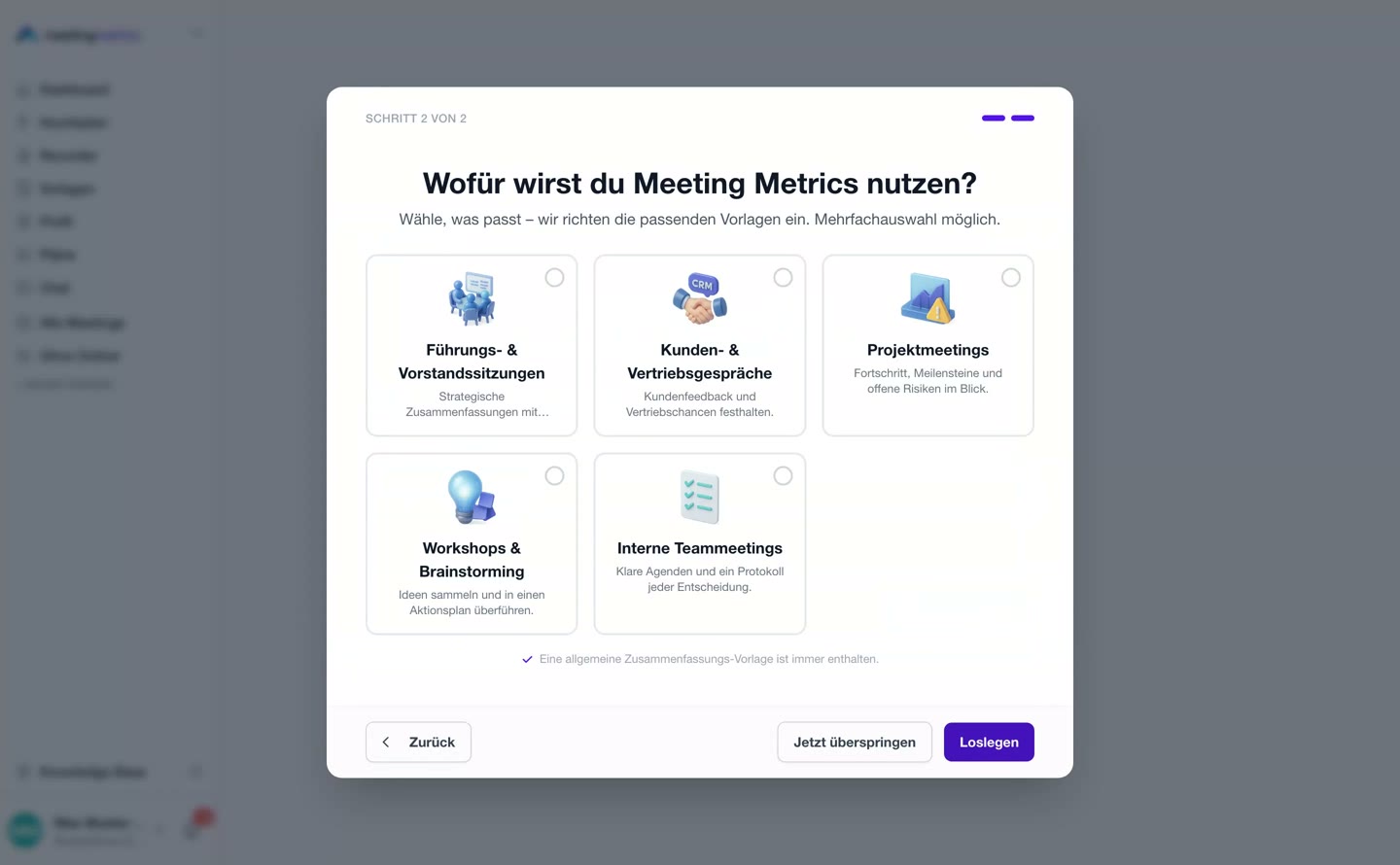
Create your account & get going Sign-up, verification and onboarding in two questions.

Getting started

Preview image: Create your account & get going 0:39

Sign-up

Create your account & get going

Sign-up, verification and onboarding in two questions.

Go to guide

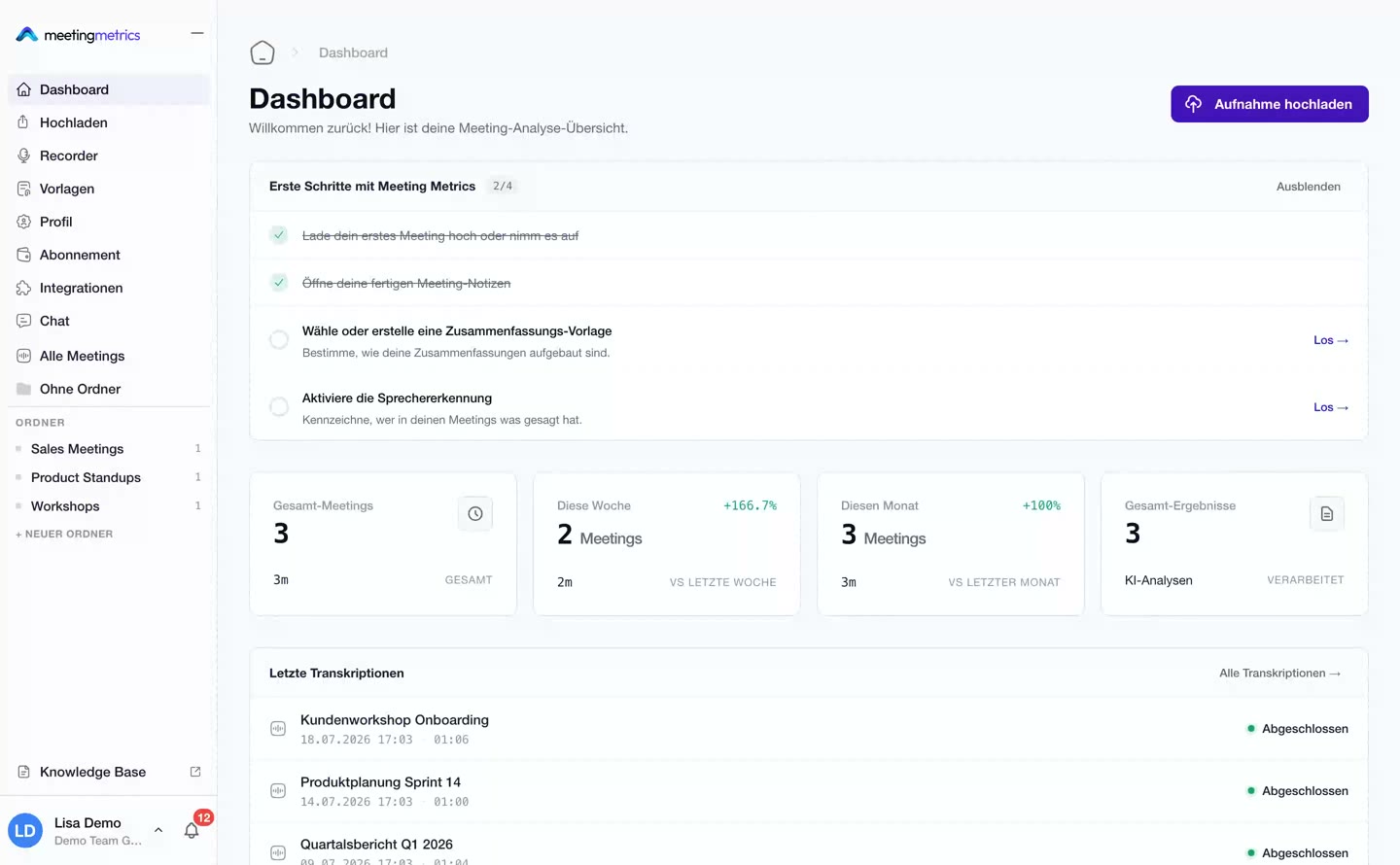
Preview image: The dashboard at a glance 0:50

Navigation

The dashboard at a glance

Metrics, meetings and every area of the sidebar.

Go to guide
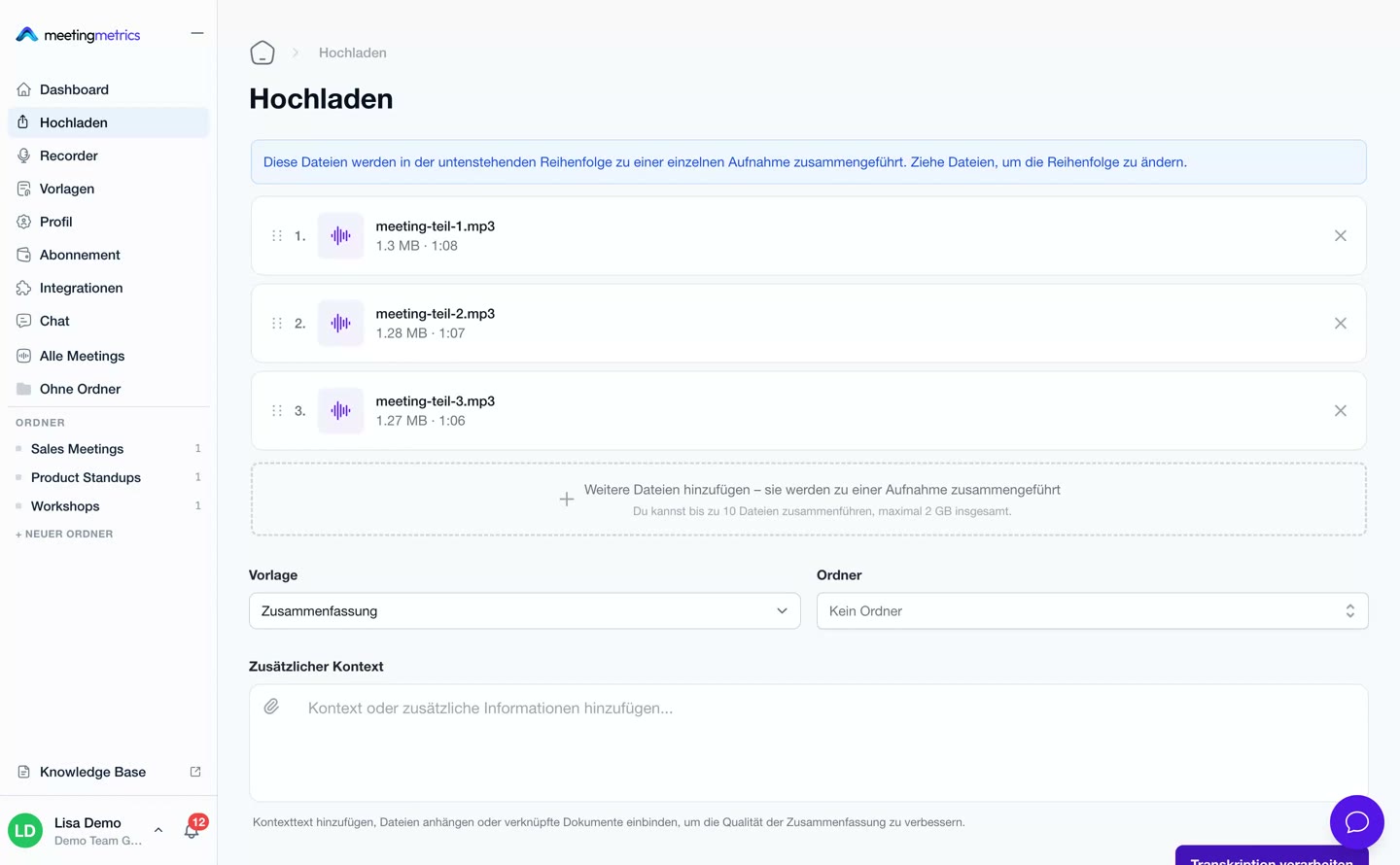
Preview image: Upload a meeting 0:34

Upload

Upload a meeting

From audio file to a finished minutes with tasks.

Go to guide

Core features

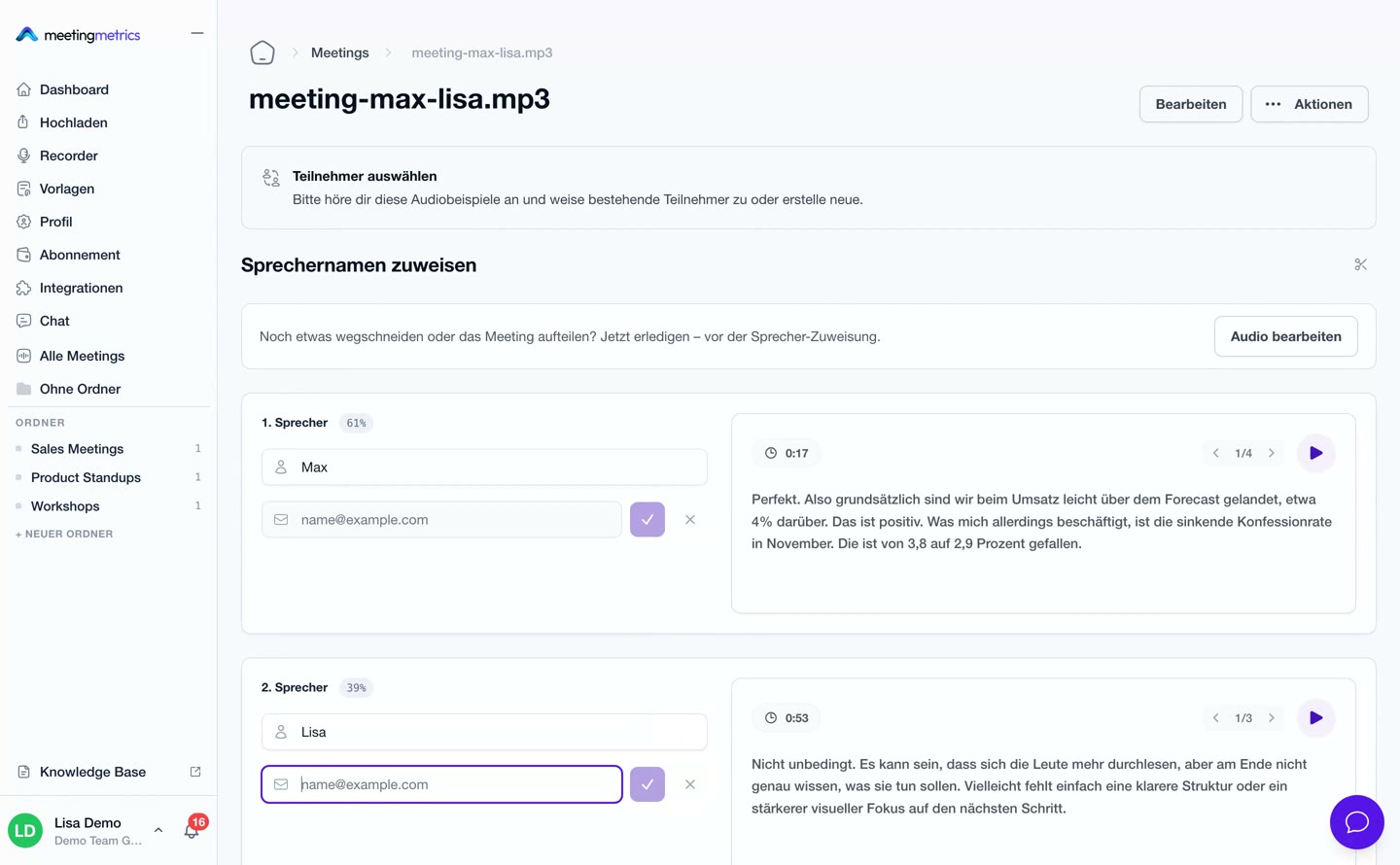
Preview image: Speaker detection 0:56

Transcript

Speaker detection

Who said what? Detect voices and assign names.

Go to guide
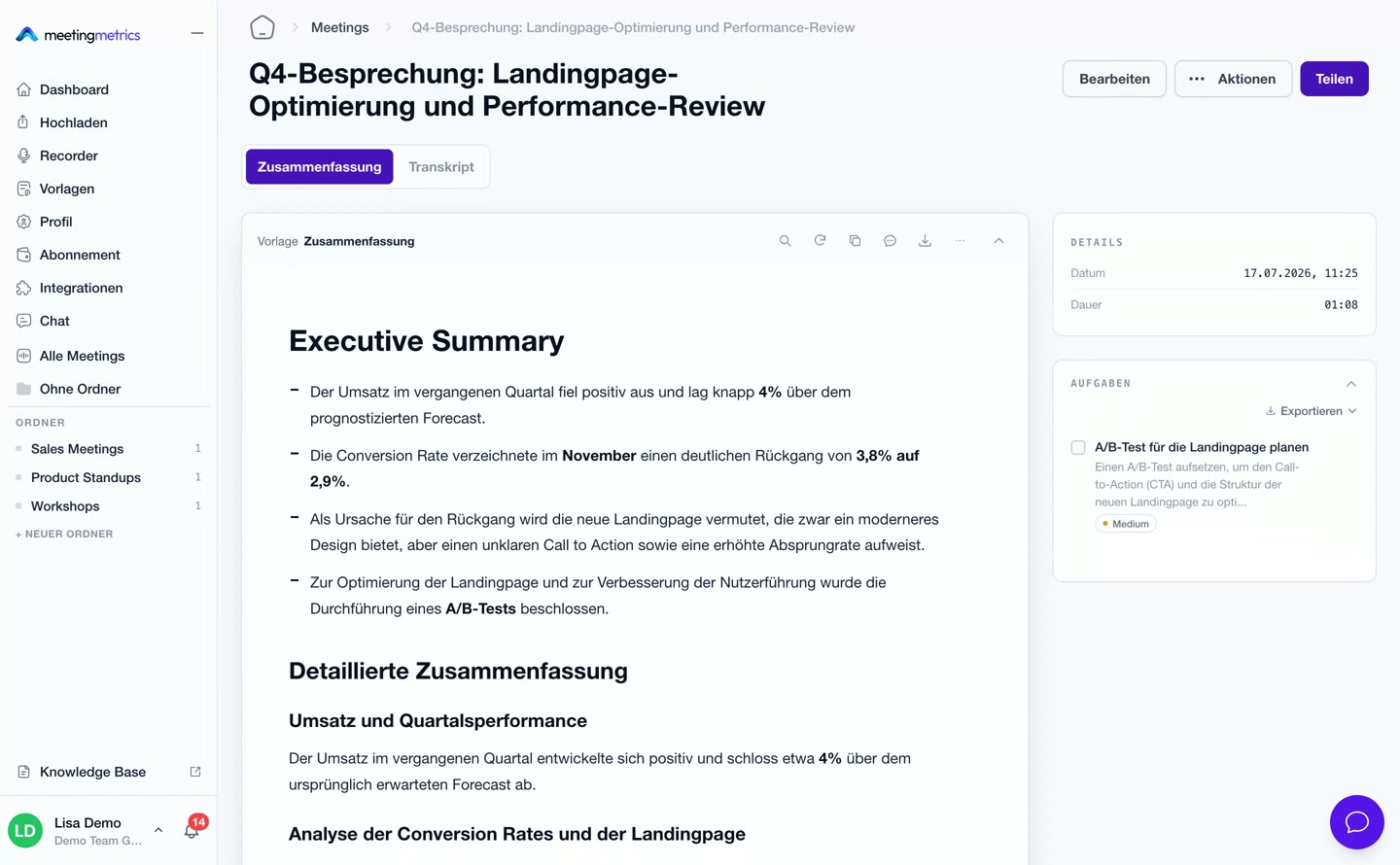
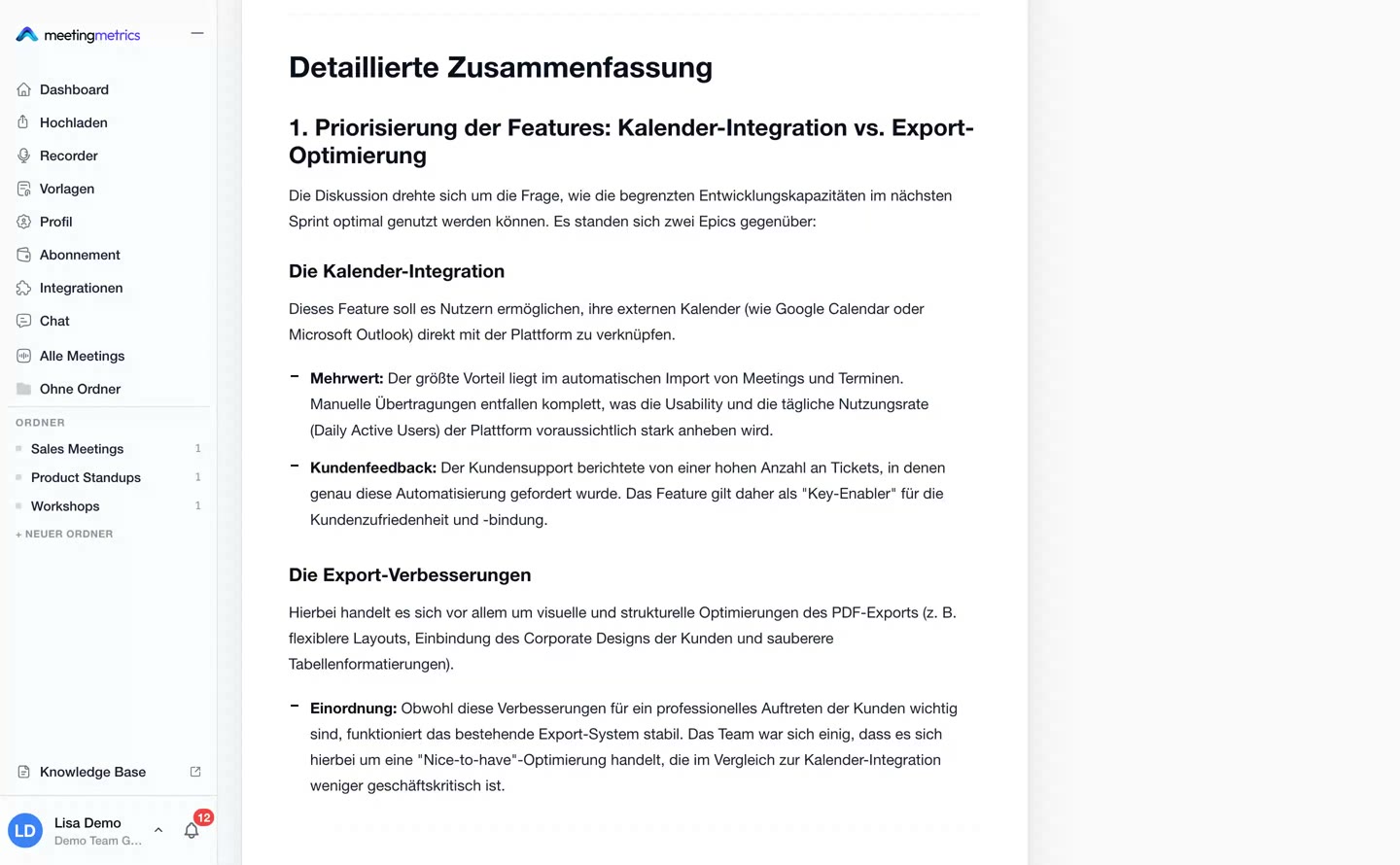
Preview image: Refine the summary 0:33

Analysis

Refine the summary

Make analyses more detailed, shorter or driven by your own prompt.

Go to guide
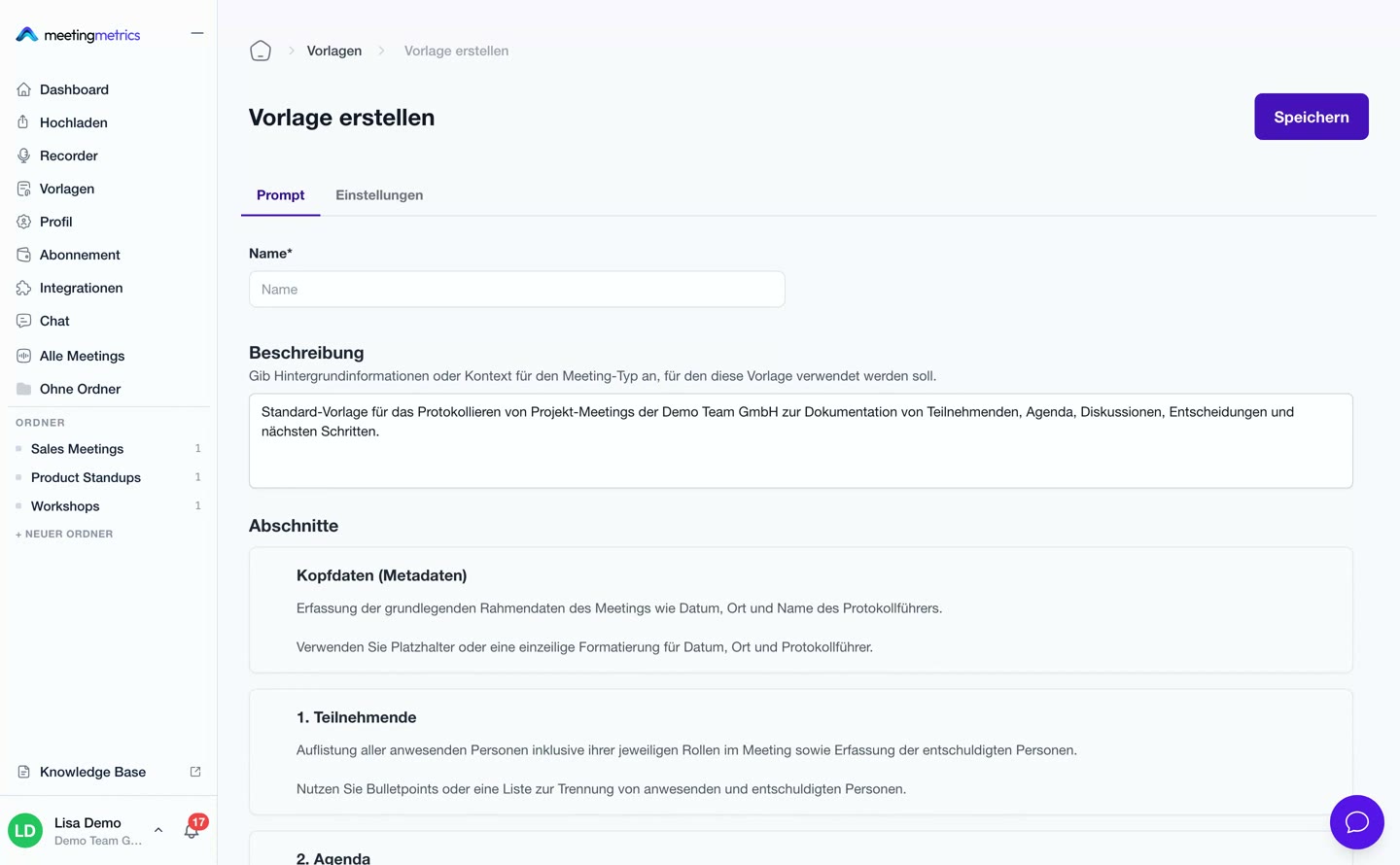
Preview image: Create a template from a PDF 0:37

Templates

Create a template from a PDF

Upload an existing minutes and reuse its structure.

Go to guide
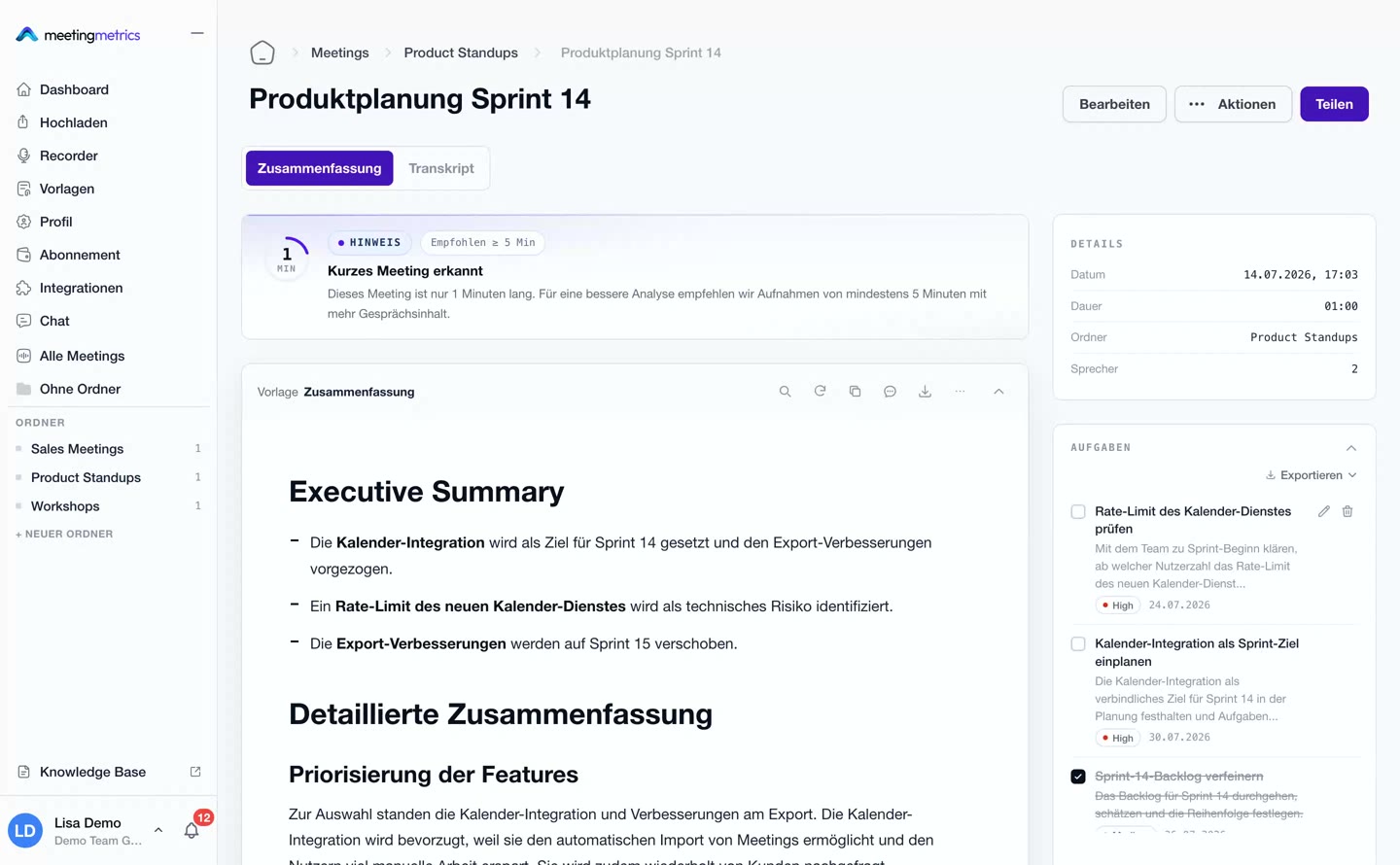
Preview image: Tasks under control 0:22

Tasks

Tasks under control

Action items with priority, deadline and status.

Go to guide
Preview image: Merge files 0:26

Recordings

Merge files

Several recordings become one continuous meeting.

Go to guide
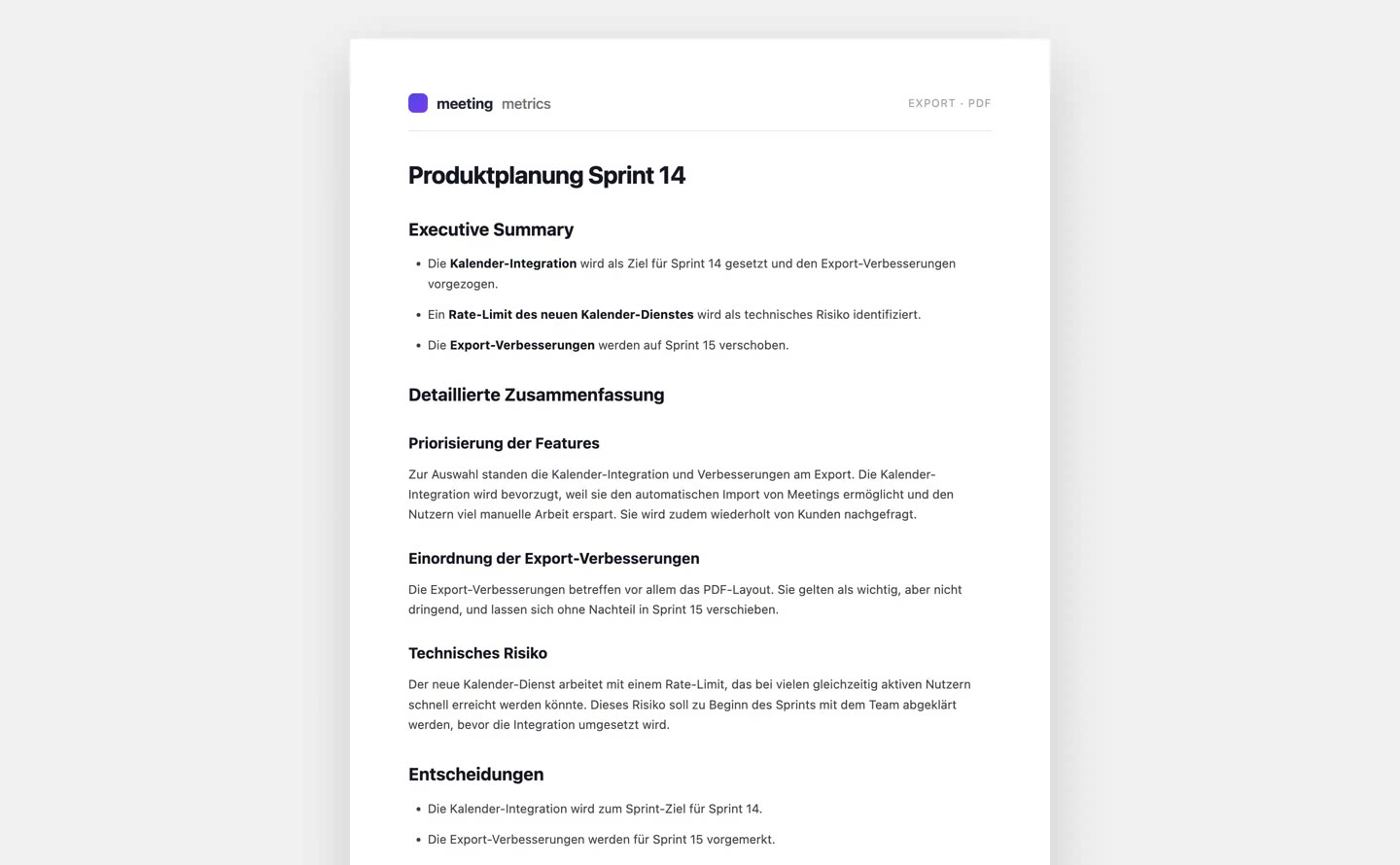
Preview image: Export results 0:34

Export

Export results

Word, PDF, Markdown – in your team branding.

Go to guide
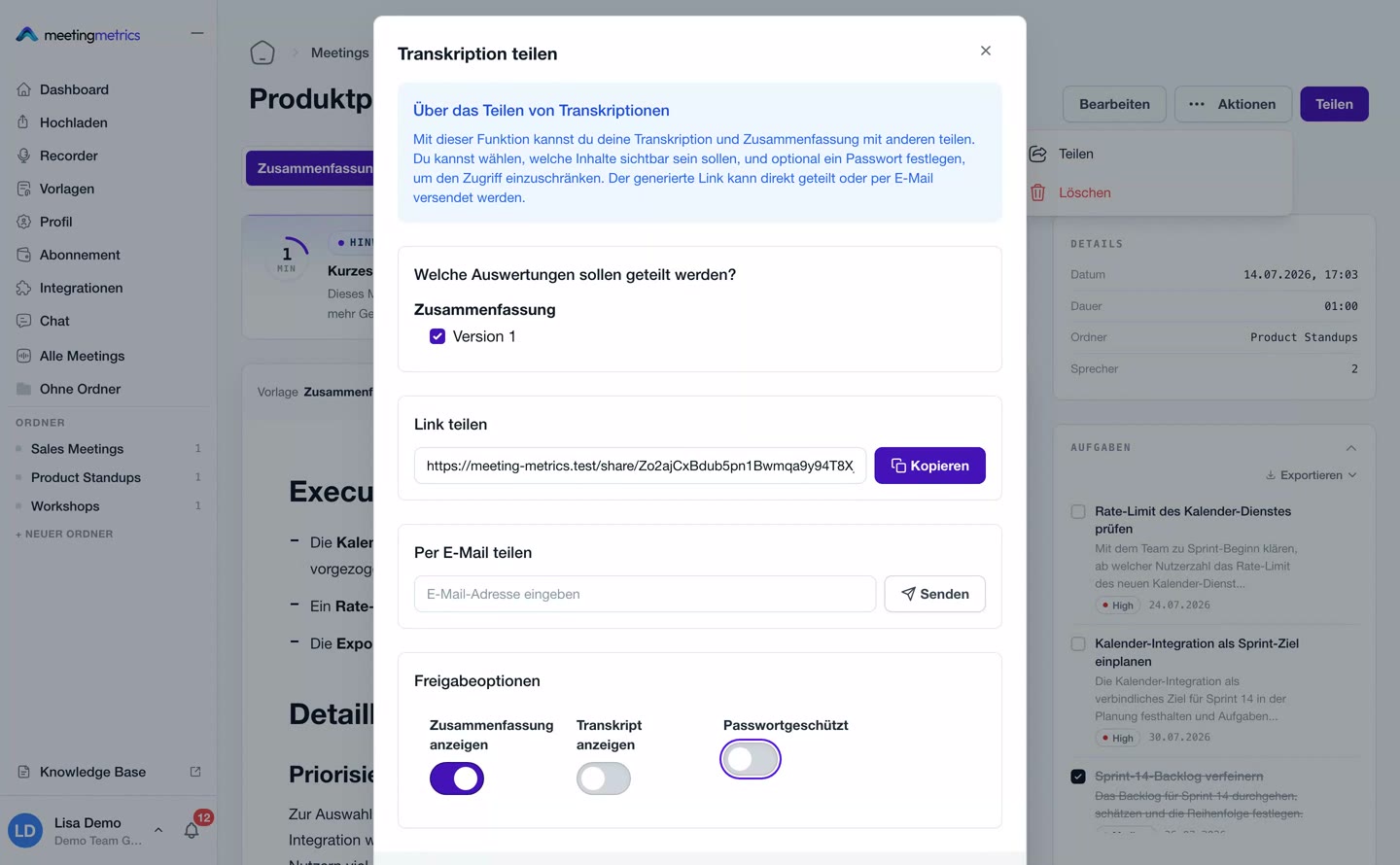
Preview image: Share meetings 0:45

Sharing

Share meetings

A password-protected share link in seconds.

Go to guide
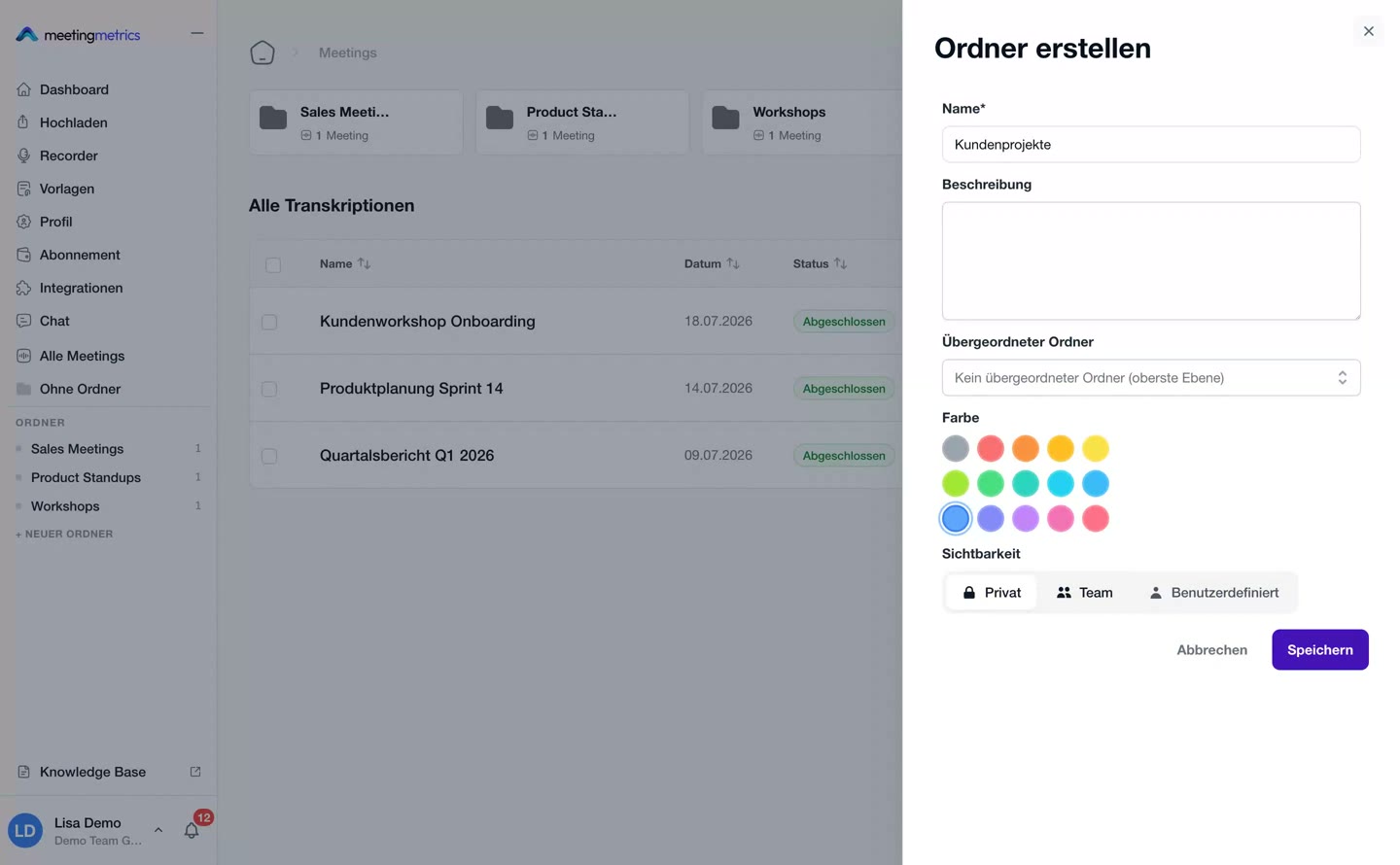
Preview image: Folders & visibility 0:32

Organisation

Folders & visibility

Structure by project – with clear access rights.

Go to guide

Team & settings

Preview image: Set up your profile 0:43

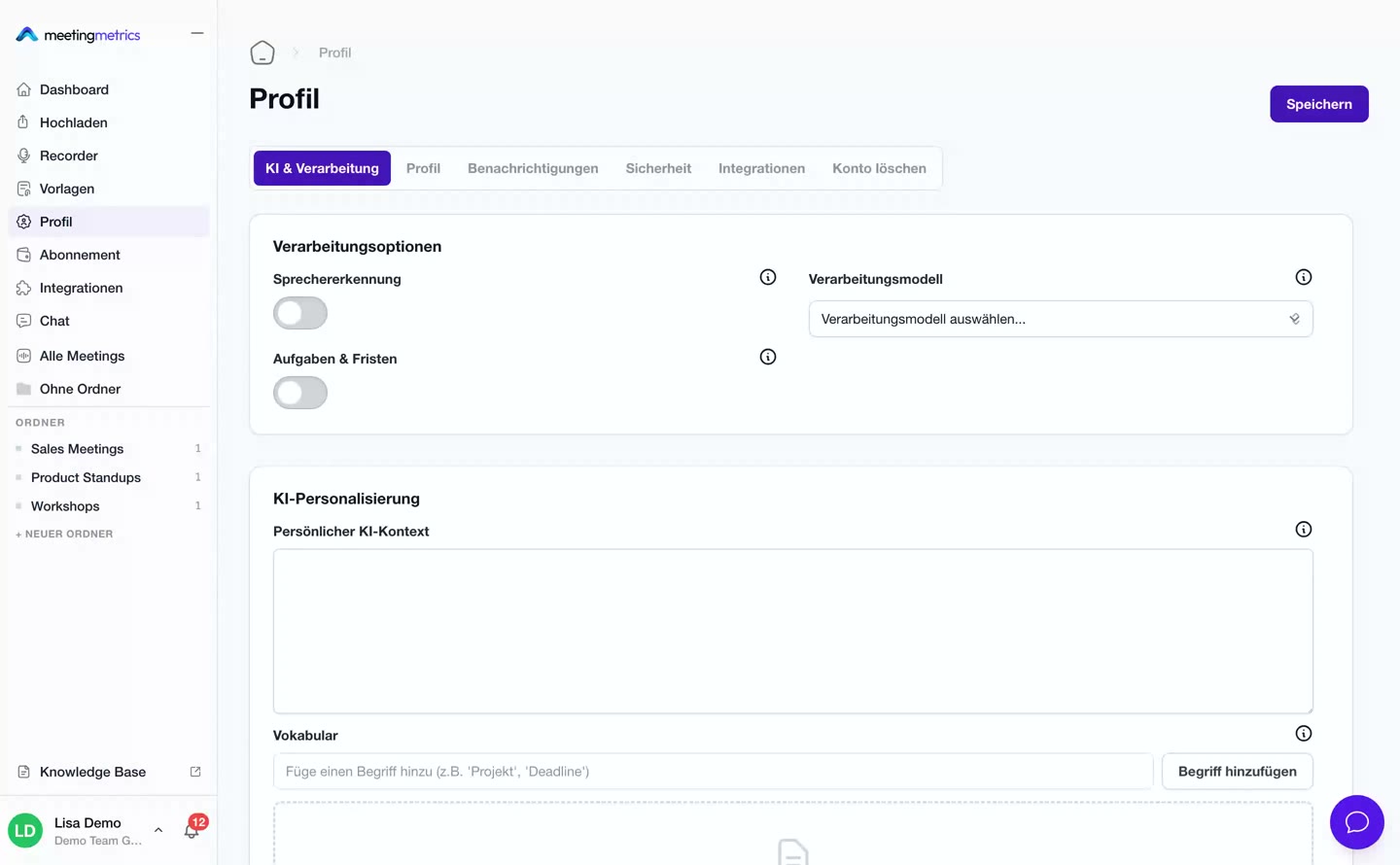
Profile

Set up your profile

AI behaviour, notifications and security.

Go to guide
Preview image: Team settings 0:33

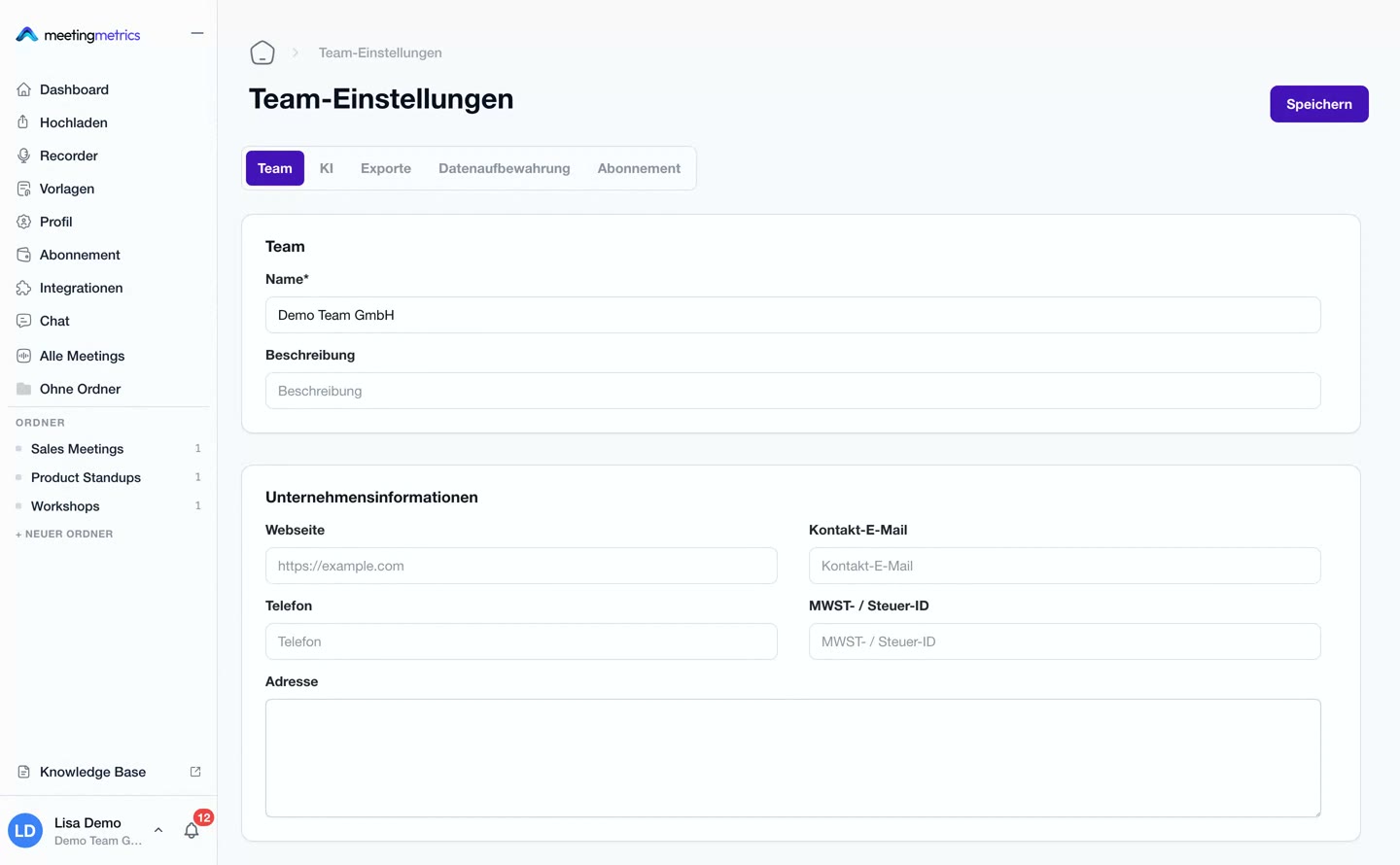
Team

Team settings

From team context to seats and data retention.

Go to guide

Next step

You've seen how it works. Now try it with your meeting.

You'll understand Meeting Metrics fastest by uploading your own conversation.

Try it yourself

Upload a recording. Review the minutes.

Create an account, upload a recording, view the result. No minimum term, no commitment – you only stay if it convinces you.

Try for free

From CHF 29 per user/month with annual billing · cancel monthly from CHF 59

No credit card required

Book a demo

Prefer a guided tour?

We'll show you recording, speaker detection, templates, and export live with an example.

Book a demo

Directly with the product team