Are you planning a workshop and want to make sure no thought is lost? With Meeting Metrics, you document everything automatically – without anyone having to be there just to take minutes.
The solution works for both small and larger workshops. The key to recording quality is the number of participants and the room size.
Small groups up to six people
The pre-installed smartphone is sufficient here. Here's how it works:
iPhone:
- Open the Voice Memos app
- Tap start recording
- Place your smartphone centrally in the room
Samsung / Android:
- Open the Voice Recorder app
- Tap start recording
- Place your smartphone centrally in the room
Larger groups from six people
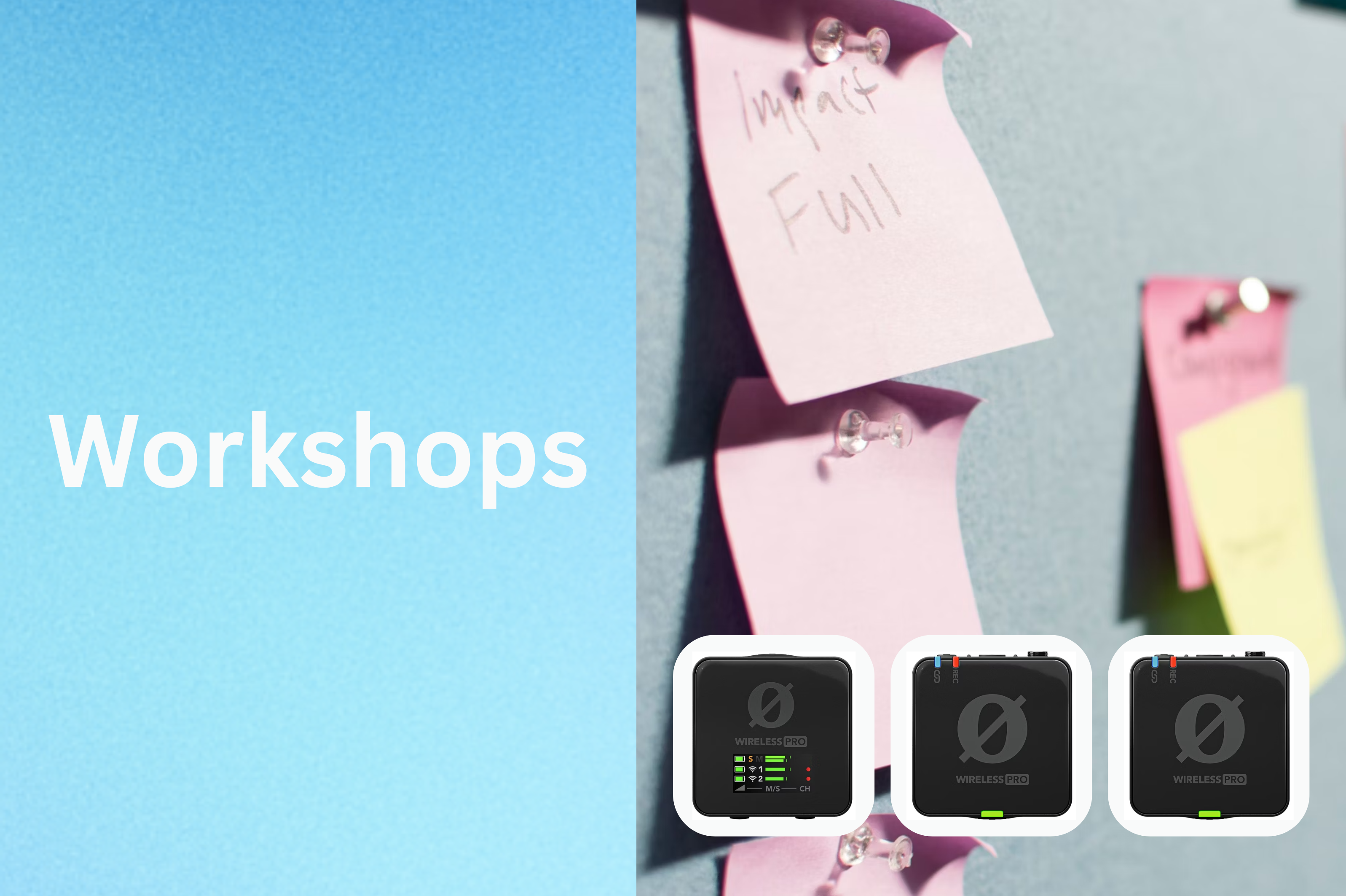
For workshops with more participants, we recommend an external microphone, e.g., the RODE Wireless PRO to capture every voice clearly and distinctly.
How the workshop process works with Meeting Metrics
- Record audio
- Upload file to Meeting Metrics
- Select the appropriate workshop template (custom templates are optimal)
- For Pro or Enterprise plans: activate speaker recognition – audio snippets are automatically assigned to people
Your benefits
- Fully documented workshops
- No additional person needed just for minutes
- Share summaries as PDF or link
- Every participant receives a professional result – wow effect guaranteed
Pro tip: Upload the audio file immediately after the workshop and use your own workshop template. This way, the summary is ready in minutes.
Try Meeting Metrics now in your next workshop and see for yourself how simple and efficient workshop documentation can be.