January is all about our Mobile App – and over the past few weeks, we've implemented many new features to make your work even easier. Thanks to your feedback, we've developed the app so that it not only records meetings but also centralizes all important summaries and makes them available anytime. Additionally, we've improved team and group functions and implemented some practical updates in the desktop app.
Here is an overview of the most important new features:
Mobile App for Android and iOS
Our Mobile App is ready to launch, and we will open it to beta testers in the next few days. Interested? Contact us at: info@meetingmetrics.ai and let us know if you want to test Android or iOS.
With the app you can:
✅ Record meetings directly
✅ Import already recorded audio files – whether voice messages, phone calls, or audio files
✅ Automatically generate summaries – all content in one place
This way, you always have an overview, whether on the go or in the office.
Groups and Teams (Enterprise)
We've taken collaboration to the next level:
✔️ Create groups – for projects, departments, or entire teams
✔️ Share summaries and templates within the group
✔️ Transparency for all team members – everyone always knows what was discussed
Examples:
- Project teams: All relevant summaries centrally available
- Departments: Sales, Product, Marketing, Tech – share content selectively
Folder Management
More order, more overview:
📁 Create your own folders
🔒 Visibility: private, team, or individually assigned
✅ Perfect for sharing content selectively and keeping track
Transcription and Speaker Recognition
We've made transcription even smarter:
🎙️ Speaker shares are now displayed
✏️ Subsequent correction of incorrectly assigned speakers
🚀 UX improvements and additional speakers are in progress
New Language
🌐 English available – select under Settings → Display Language
Desktop App Update
🖥️ Now you can select the appropriate template directly before processing to make the summary even more precise and efficient
Vision
Imagine you are working on a complex customer project. Different roles are involved: Sales, Customer Success, Support, Tech Team, and Project Manager. Everyone needs to keep track.
With the upcoming chat feature, the team will, for example:
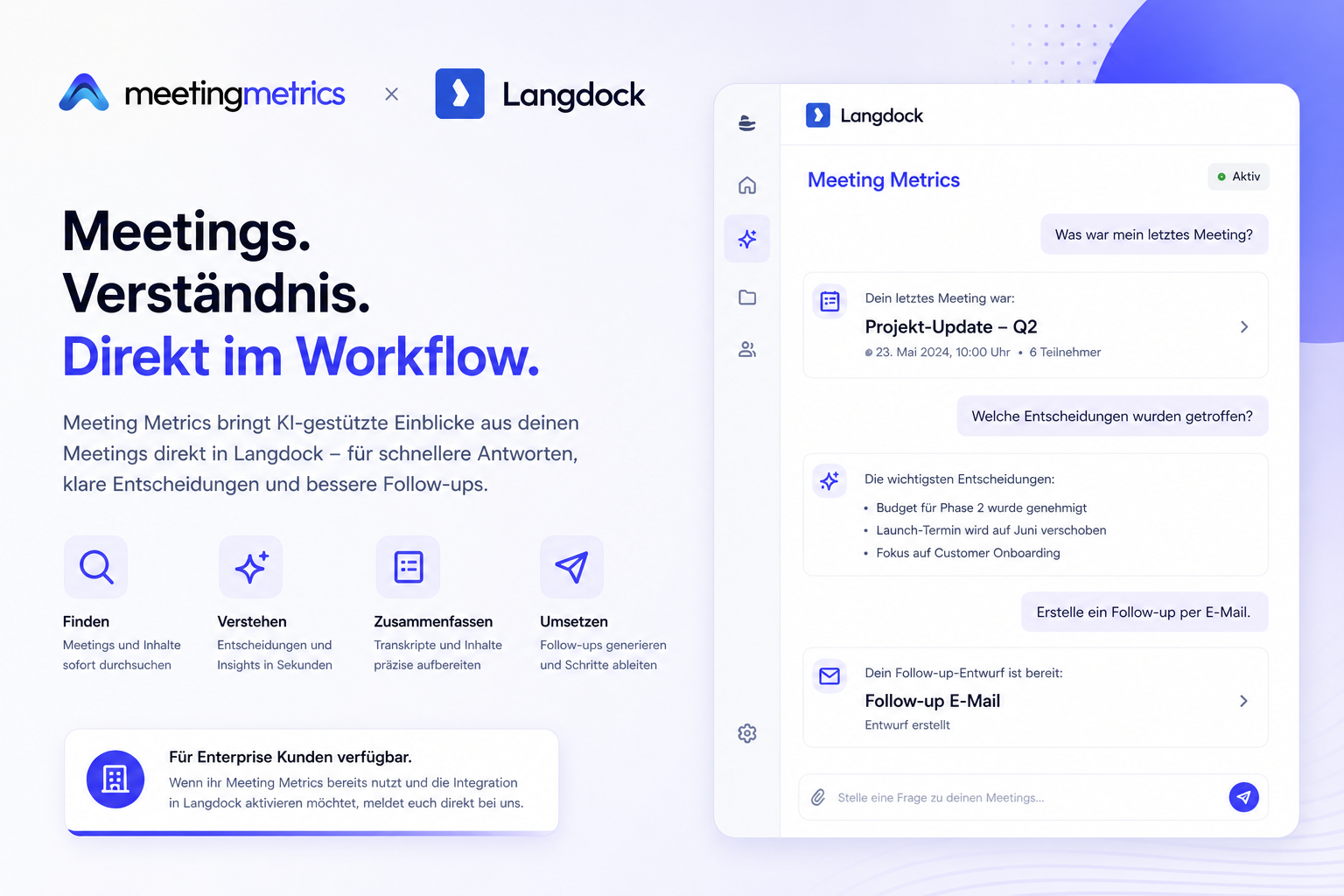
💬 Ask questions about specific summaries (“What points were discussed in last week's kickoff?”)
💡 Discuss and assign tasks from meetings directly
📧 Automatically create follow-ups or short summaries
This way, the whole team stays on the same page without email overload or information loss. That's exactly what we're working on ;-)
We are already looking forward to the next update blog. If you want to sign up as a beta tester for the Mobile App, let us know.
Cheers!