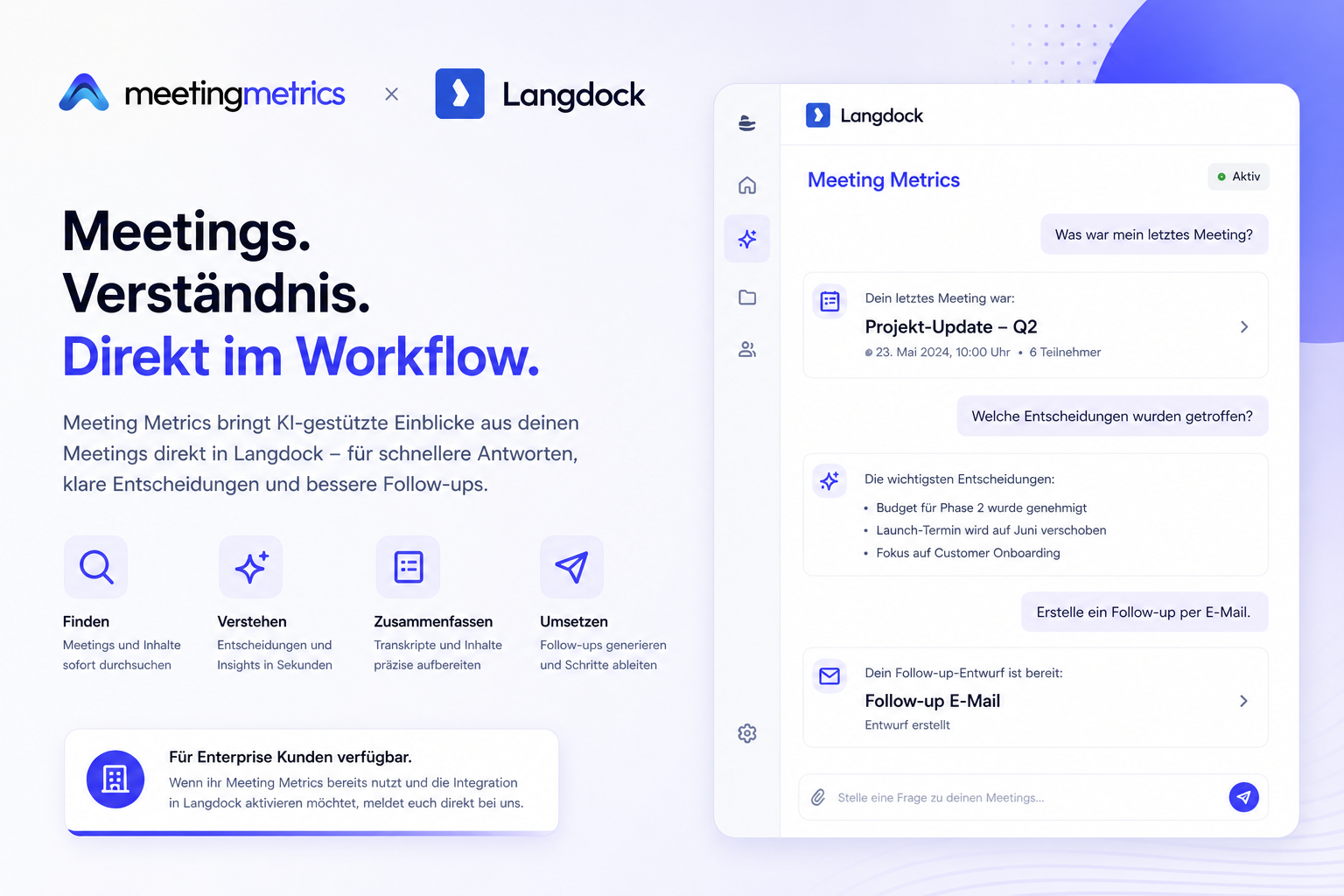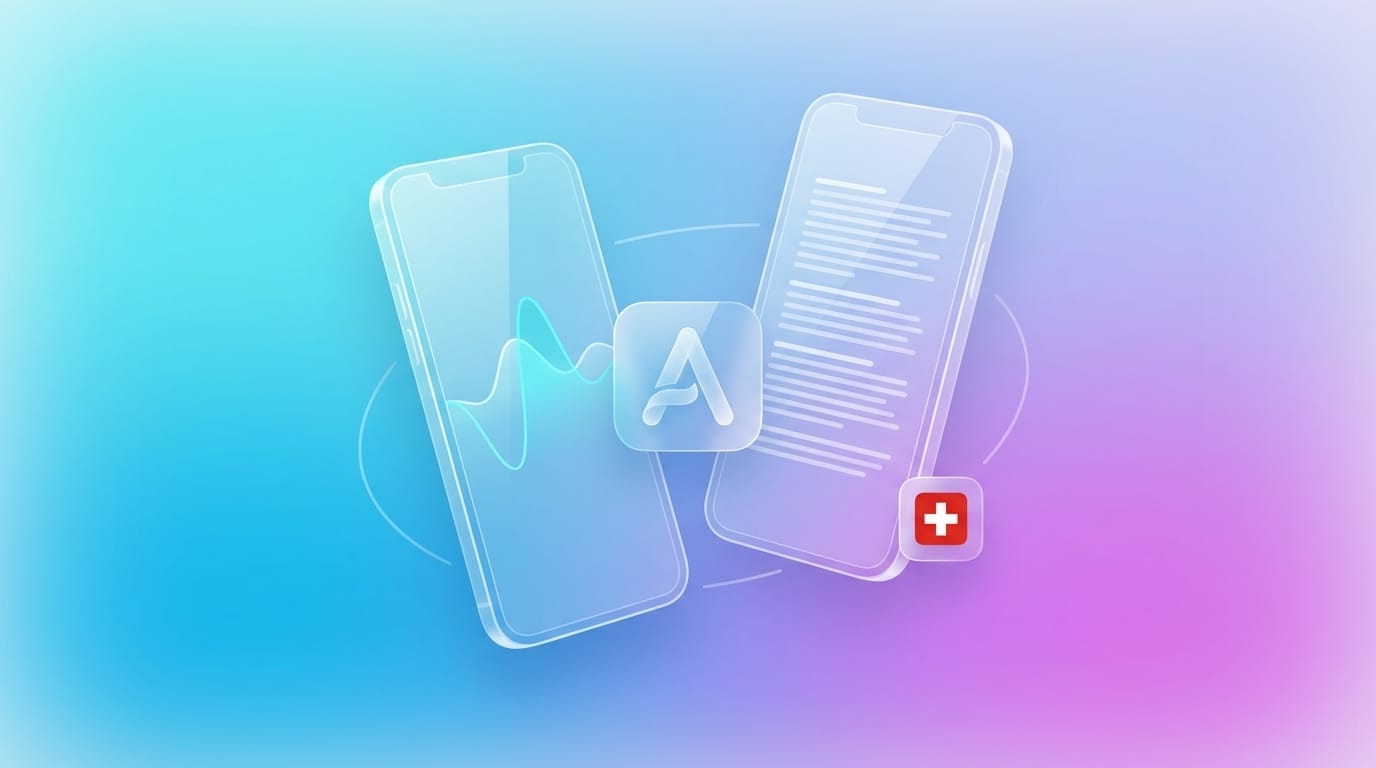
The Meeting Metrics iOS app is here! From now on, you can record meetings directly on your iPhone or iPad, upload audio files, and automatically create searchable transcripts – even offline.
The essentials at a glance
- Now available in the App Store
- Free download for iPhone, iPad, and Mac (Apple Silicon)
- Record conversations or import audio/video
- Offline mode with automatic synchronization
- Full integration with your Meeting Metrics account
Download now for free:
→ App Store: Meeting Metrics AI
Compatible with:
- iPhone (iOS 16.2 or newer)
- iPad (iPadOS 16.2 or newer)
- Mac with Apple Silicon (macOS 12.0 or newer)
- Apple Vision Pro (visionOS 1.0 or newer)
What you can do with the app
Record conversations directly
Start recordings with just one tap – whether it’s a customer conversation, phone call, or brainstorming session.
- Use the built-in microphone or connect an external microphone for even better quality.
Upload audio and video files
Import existing recordings from:
- Voice messages (WhatsApp, Signal, iMessage)
- Phone recordings
- Podcast interviews
- Video meetings
- The app automatically converts and starts transcription.
Search transcripts
After processing, receive:
- Complete transcript with timestamps
- Speaker recognition – who said what
- Searchable text – find every statement again
- Manual notes become a thing of the past.
Read AI summaries
The app analyzes your meeting and delivers:
- Compact summaries of the key points
- Extracted tasks and action items
- Decisions at a glance
- Key insights immediately available
Templates for consistent results
Structure your meetings in a standardized way:
- Customer conversation
- Sales discovery call
- Project status report
- 1:1 meeting
- Create your own templates
Work offline
No internet? No problem.
- Record anywhere – offline.
- Once you’re online again, the app automatically syncs with your Meeting Metrics account.
- Perfect for client visits, on the go, or places with poor connection.
How it works
- Download the app
- Search for Meeting Metrics AI in the App Store or use the direct link:
- https://apps.apple.com/ch/app/meeting-metrics-ai/id6758635253
- Sign in
- Sign in with your Meeting Metrics account. No account yet? Create one for free at meetingmetrics.ai.
- Record or upload
- Tap the microphone icon or select a file from your media library.
- Read transcripts
- After a few minutes, the transcript, summary, and tasks are available in the app – also synced with the web and desktop apps.
Typical use cases
- Smartphone as a recording device: Your iPhone replaces expensive hardware.
- Transcribe voice messages: Quickly read long messages instead of listening.
- Document phone calls: Complete protocols for important conversations.
- Conduct interviews: For journalists, researchers, or HR professionals.
- Capture ideas: Record and transcribe brainstorming sessions on the go.
Swiss data sovereignty – also mobile
- Server location: St. Gallen, Switzerland
- ISO 27001-certified hosting
- No use of your data for AI training
- GDPR and Swiss Data Protection Act compliant
Your recordings remain private – even on the iPhone.
Synchronization across all devices
- Web app: meetingmetrics.ai
- Desktop app (macOS & Windows): https://meetingmetrics.ai/app
- iOS app for iPhone and iPad
Everything syncs automatically: Start a recording on your iPhone and read the transcript on your desktop.
What’s next?
- Android app (in development)
- Apple Watch companion app
- Siri Shortcuts integration
- Home screen widget
Subscribe to our newsletter to not miss anything.
Conclusion: Meeting Metrics always with you
With the iOS app, you always have your intelligent meeting recorder in your pocket. No extra equipment, no complicated setup – just record, upload, transcribe. Download now for free: https://apps.apple.com/ch/app/meeting-metrics-ai/id6758635253
Frequently Asked Questions
Is the app free?
The download is free. You need a Meeting Metrics account for transcriptions.
Does the app work without internet?
Yes. You can start recordings offline. Transcripts are synced once you’re online.
Can I use the app on Mac?
No, for that we have the desktop app: https://meetingmetrics.ai/app
Are my data safe?
Yes, all transmissions are encrypted and processed on Swiss servers.
When is the Android app coming?
In development. Sign up for the newsletter to be informed.