The Essentials in Brief
More and more teams are using AI meeting assistants. But not all work the same way: while some tools join the meeting as a visible "participant," others work invisibly in the background. Both approaches have advantages and disadvantages — and the choice influences how your team (and your customers) perceive the technology.
The Bot Problem: When AI Becomes a Distraction
What is "Bot Fatigue"? You might know this: a meeting starts, and suddenly a message appears: "Otter.ai Notetaker has joined the meeting" or: "Fireflies.ai wants to record." For many participants, this is confusing. Studies show:
• 67% of meeting participants feel watched by visible bots
• 43% speak less openly when a bot is "listening"
• 28% have left meetings because a bot joined without warning
The phenomenon has a name: Bot Fatigue — the exhaustion caused by constant bot presence in meetings.
Why Do Bots Join Visibly at All?
Technically, there are two ways to transcribe a meeting:
1. Bot Method (e.g., Otter, Fireflies, Fathom)
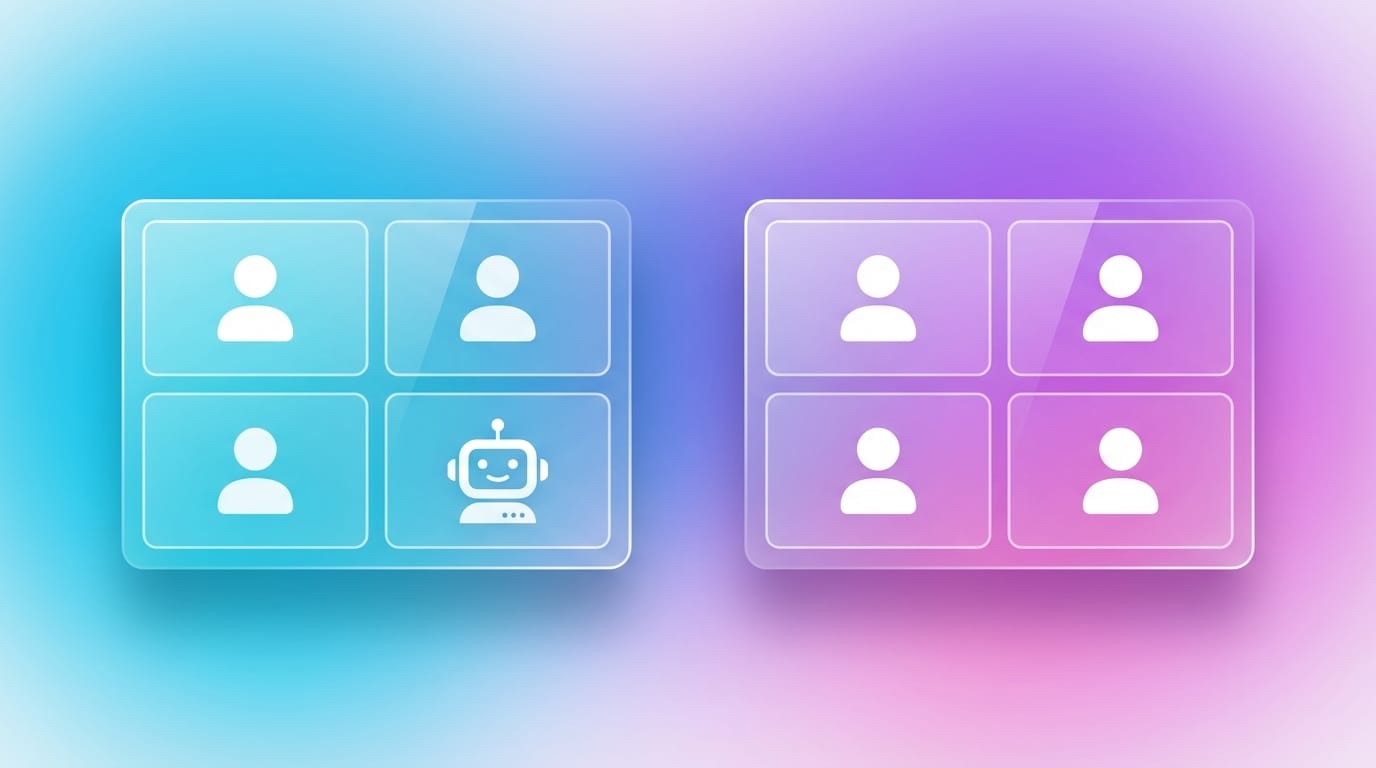
A virtual participant joins the call, accesses the platform's audio stream, and is visible to everyone in the participant list.
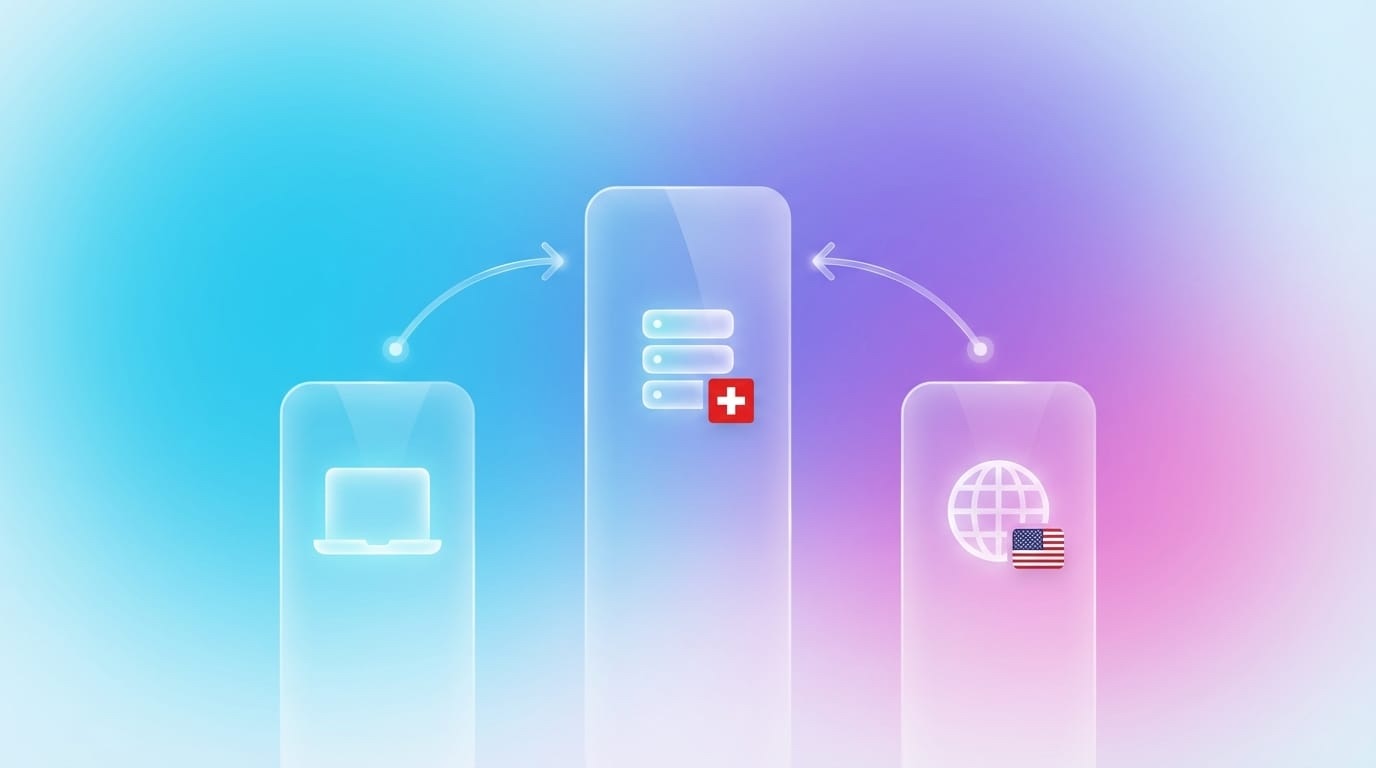
2. Local Recording (e.g., Meeting Metrics, Krisp)
Records directly on your device, accessing your local audio. No visible bot for other participants.
The Two Philosophies Compared
Bot-Based Tools
Advantages:
• Works without installation
• Independent of the host's device
• Automatic calendar integration
• Transcribes even if you are not the host
Disadvantages:
• Visible to all participants
• Can be confusing or intimidating
• Privacy concerns with external parties
• Not all platforms allow bots
Typical tools: Otter.ai, Fireflies.ai, Fathom, tl;dv
Bot-Free Tools
Advantages:
• Invisible to others
• No "Bot Fatigue"
• Works offline as well
• You retain control
Disadvantages:
• Only available to the host/user
• Installation on the device required
• Audio quality depends on the device
• Must be started manually
Typical tools: Meeting Metrics, Krisp, local recorders
When to Use Which Approach?
Bot-based is sensible when:
• You are not the host but still want to transcribe
• Many different devices are in use
• The team is already bot-friendly and not bothered
• Maximum automation is more important than discretion
Bot-free is sensible when:
• External participants are in the meeting (customers, partners)
• Sensitive topics are discussed
• The company culture values discretion
• You want to retain control over when recording happens
The Psychological Dimension
The Hawthorne Effect in Meetings
Psychologists know the Hawthorne Effect: people behave differently when they know they are being observed.
In meetings, this means:
• Fewer spontaneous ideas
• More cautious wording
• Less disagreement
• Shorter contributions
A visible bot amplifies this effect — even if it is rationally clear that recording makes sense.
Trust vs. Transparency
Here lies a paradox: transparency (visible bot) should actually build trust. In practice, it often creates discomfort.
The solution: transparency about the "what" (it is being transcribed), but discretion about the "how" (no visible bot).
Best Practices for Teams
If you use bot-based tools:
1. Announce beforehand — don’t surprise
"I'm using an AI assistant for notes. It will join shortly."
2. Respect rejection — no discussion
"No problem, I'll do it manually."
3. With externals: ask explicitly
"Would it be okay if a transcription bot runs along?"
4. Explain the bot
"It only records, sees nothing, stores data in Switzerland."
If you use bot-free tools:
1. Still inform — legally and fairly
"I transcribe locally, if that’s okay."
2. Ensure quality — use a good microphone
3. Not secretly — even without a bot: participants deserve transparency
Privacy: Bot ≠ insecure, local ≠ automatically safe
Common misunderstanding
Many think: "Bot = data in the cloud = insecure"
This is not universally true:
• Bot tools can be encrypted and GDPR-compliant
• Local tools can still sync data to the cloud
What really matters:
1. Where is data processed? (USA, EU, Switzerland?)
2. Who has access? (Only you? Provider? Third parties?)
3. Is data used for AI training?
4. How long is data stored?
The bot question is independent of the privacy question — but both are important.
Future: Will Bots Disappear?
Trend 1: Platform-Native Integration
Microsoft, Google, and Zoom are building their own transcription. In 2-3 years, "bot joined" might be obsolete because the function runs directly in Teams/Meet/Zoom.
Trend 2: Local AI Gets Better
With Apple Intelligence, Windows Copilot, and local LLMs, more processing will happen on the device. This reduces cloud dependency — and bot necessity.
Trend 3: Hybrid Approaches
Some tools already offer both: bot for external meetings, local recording for own meetings. This could become the new standard.
The bot question is fundamentally not a technical question. It’s about:
• How your team perceives AI
• How important discretion is with externals
• How much automation is desired
Our recommendation:
• For internal meetings with a well-coordinated team: bot can work
• For customer talks, applications, sensitive topics: bot-free is more confident
• When in doubt: ask the participants — and respect the answer
The best technology is the one nobody notices — but everyone uses.
Meeting Metrics: Bot-Free Transcription
Meeting Metrics works without a visible bot:
✓ Local recording via desktop app
✓ No "bot has joined"
✓ Swiss hosting for processing
✓ You decide when recording happens