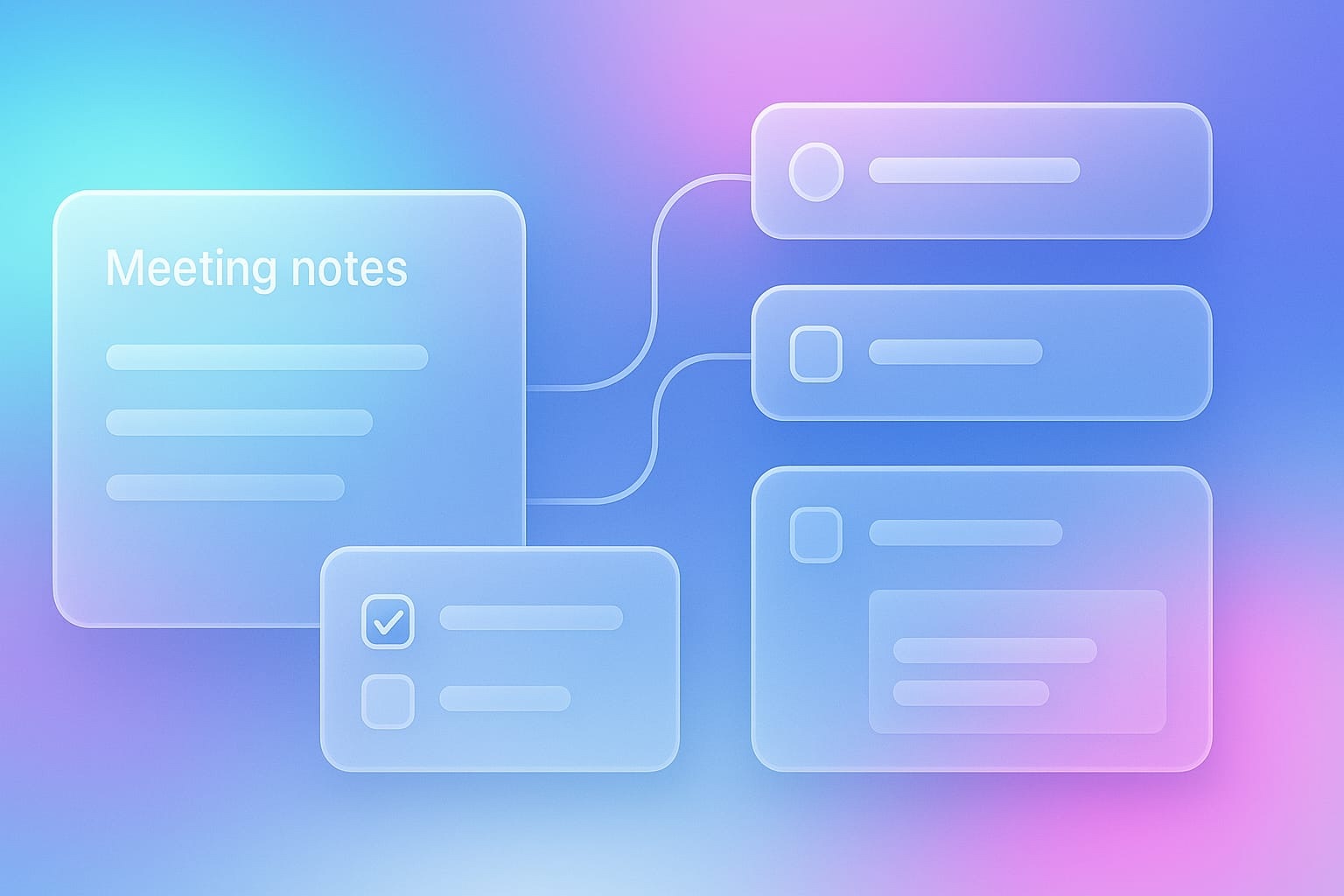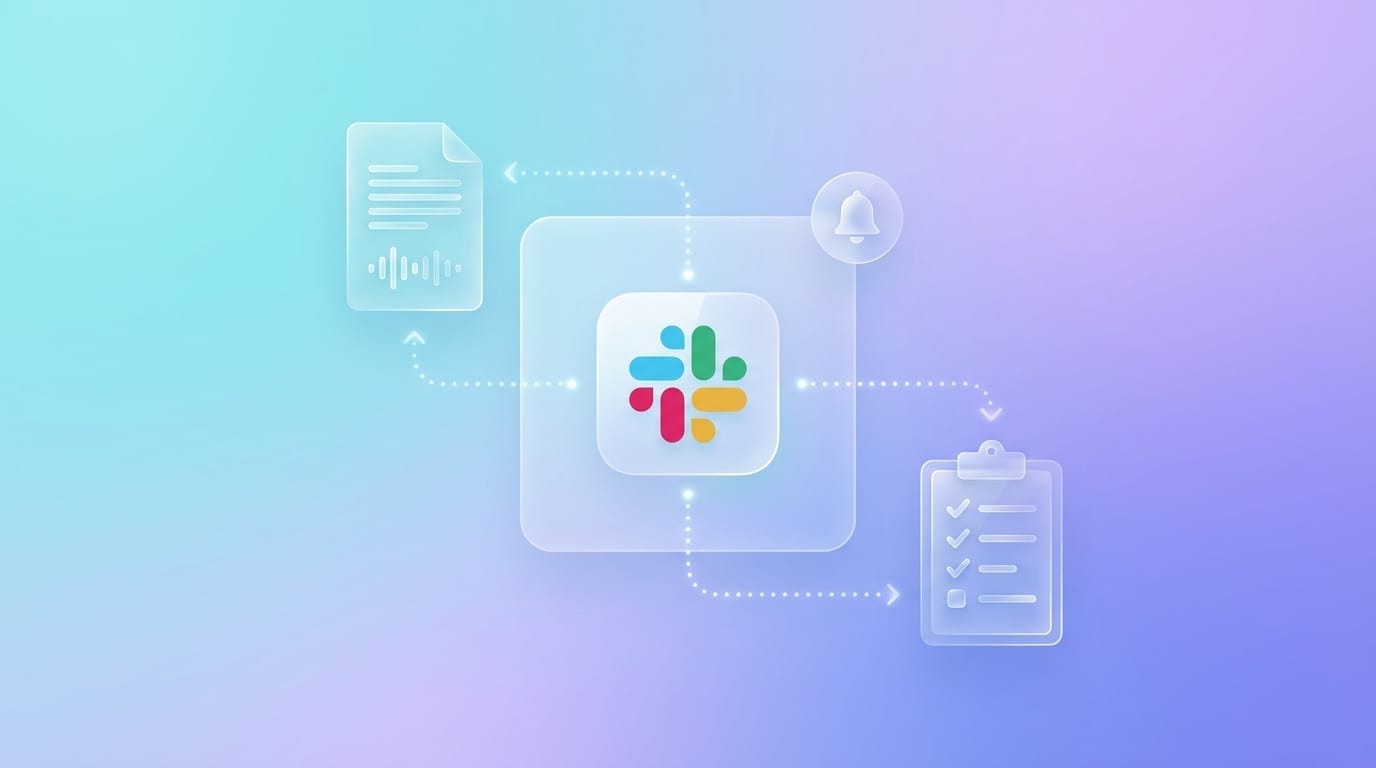
Slack has introduced two innovations that fundamentally change meeting workflows: a Real-Time Search API and an MCP server. This allows AI tools to work directly with Slack data and automatically bring meeting results to where they are needed.
For teams, this means: less manual follow-up, more focus on content.
The Key Points at a Glance
• Slack introduces MCP (Model Context Protocol) and a Real-Time Search API
• AI can directly access Slack data and feed content back
• Meeting summaries, tasks, and decisions automatically land in Slack
• Data protection becomes more important as more systems are interconnected
• Meeting Metrics builds integrations that enable exactly these workflows
What is MCP and Why is it Relevant?
MCP stands for Model Context Protocol. It is an open standard that allows AI systems to directly access external data.
Until now, you had to move information manually.
Now AI takes over that task.
Example:
Until now
You copy a summary from your meeting tool and post it in Slack.
With MCP
The AI recognizes the context and automatically posts the summary in the right channel.
This not only reduces work but also prevents information loss.
What Slack Has Specifically Announced
Real-Time Search API
AI can search Slack in real time.
This means: before a meeting, your tool can automatically analyze what was last discussed on a topic.
Example
You enter a meeting with the product team. The AI summarizes the most important discussions from the #product channel over the past days.
You start prepared without clicking through messages.
MCP Server
Slack provides an interface through which AI can interact with Slack in a structured way.
This includes, among other things:
• Reading channels
• Posting messages
• Creating threads
• Assigning content purposefully
This makes Slack not just a communication tool but an active part of your workflow.
What This Means for Meeting Workflows
Before the Meeting: Automatic Briefing
The AI creates a compact update based on Slack discussions.
For example:
In the #sales channel, this week the following was discussed:
Client ABC expressed budget concerns
A competitor offer was shared
A new pricing idea was proposed
You enter the conversation prepared without losing time.
During the Meeting: Real-Time Context
If someone refers to a discussion, you can retrieve the context immediately.
No more searching. No interruptions.
The AI connects your meeting content with Slack and provides you with the relevant information directly.
After the Meeting: Automatic Distribution
This is where the greatest added value arises.
Today:
- Meeting ends
- You read the summary
- You copy content
- You post it in Slack
- You create tasks
With AI and MCP:
- Meeting ends
- Summary is automatically posted in the right channel
- Action items appear as structured tasks
- Decisions are documented
- You briefly review and confirm
15 minutes of follow-up become a few minutes of review.
Concrete Use Cases
Sales
- Customer conversation takes place
- Summary lands in the right channel
- Tasks are created
- CRM is updated
- The team is immediately aligned.
Product
- Sprint review is documented
- Decisions are shared
- New features are directly processed
- No more handovers between tools.
Management
- Meetings are recorded in a structured way
- Decisions are distributed
- Follow-ups are automatically triggered
- Transparency without additional effort.
What Swiss Teams Should Pay Attention To
More automation means more data flow. This makes data protection central.
Where is your data?
If meeting data automatically lands in Slack, it is also stored there.
Slack primarily operates its infrastructure internationally. This is relevant for many companies.
What content may be shared?
Not every meeting belongs in a channel.
Examples:
• HR conversations
• legal topics
• confidential negotiations
Clear rules are needed here.
Control is Crucial
A good setup allows you to control:
• which meetings are shared
• where content goes
• how detailed the information is
• who has access
Automation only works well if it is controllable.
MCP as a New Standard
MCP is expected to spread quickly.
Today you build integrations individually for each tool.
Tomorrow everything runs through a common standard.
For meeting tools, this means:
One interface is enough to work with many systems.
This accelerates innovation and reduces complexity.
What You Can Do Now
1. Question Your Workflow
How much time do you spend on follow-up?
If it’s more than a few minutes, optimization is worthwhile.
2. Check Your Tools
Which systems do you currently use?
How well do they work together?
3. Define Data Protection
Determine which content may be shared automatically and which may not.
4. Test Meeting Metrics
Meeting Metrics already helps you today to capture, structure, and process meetings cleanly.
With a focus on:
• Swiss hosting
• clear control over data
• structured outputs instead of chaos
Integrations with Slack and other tools are in development.
Conclusion
The direction is clear. Meetings no longer end with minutes. They become the starting point for automated workflows. Information flows directly to where it is needed. Without copy-paste. Without friction. The central question for you remains:
How automated do you want to work and how do you keep control over your data? The best answer is both.
Frequently Asked Questions
What is MCP?
An open standard that allows AI systems to work directly with external data sources.
Can Meeting Metrics do this already?
Partially. Full integration is in development.
Is this data protection compliant?
That depends on the setup. Crucial is where data is processed and how access is controlled.
Does this also work with Microsoft Teams?
Yes, similar developments exist there as well. The basic idea remains the same: content flows automatically into the right channels.